Click here to view our "Team Groups" Video
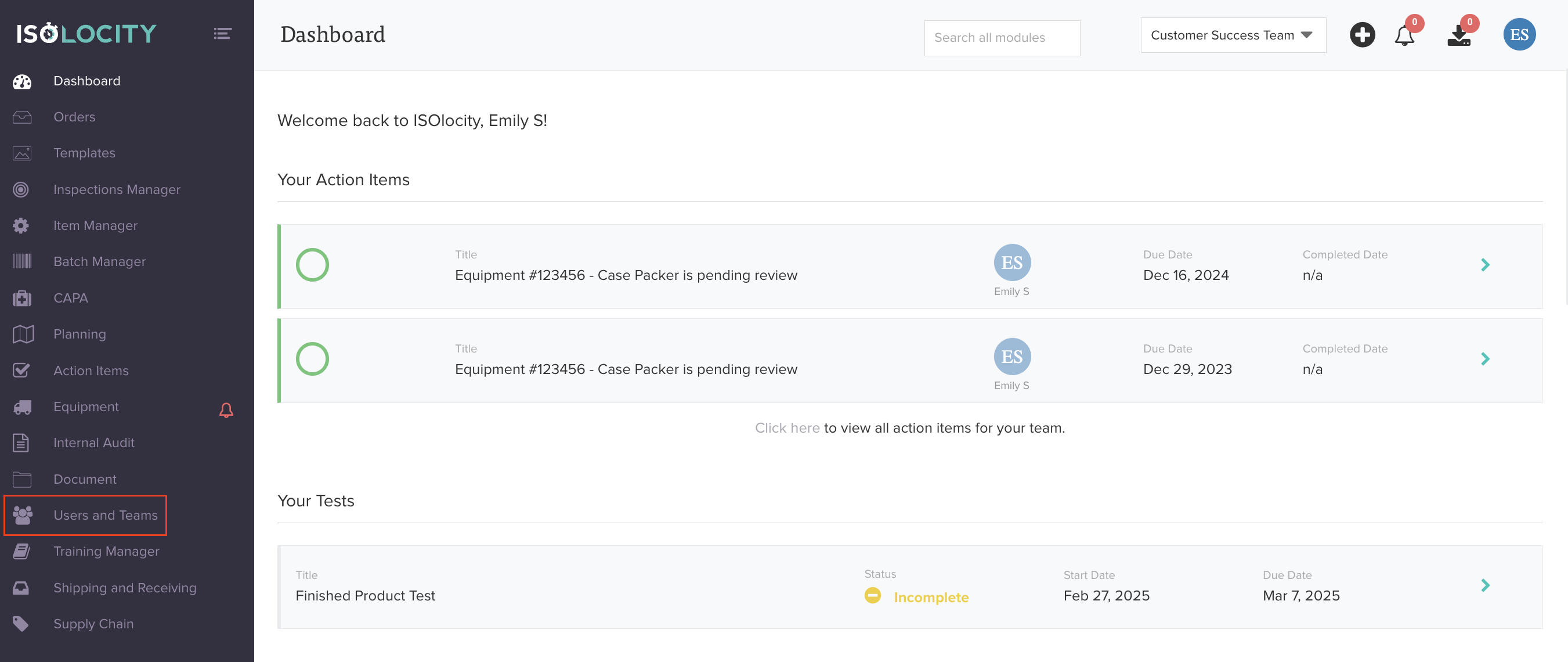
Step #1
Click here to reveal the "Users and Teams" sub-menu.
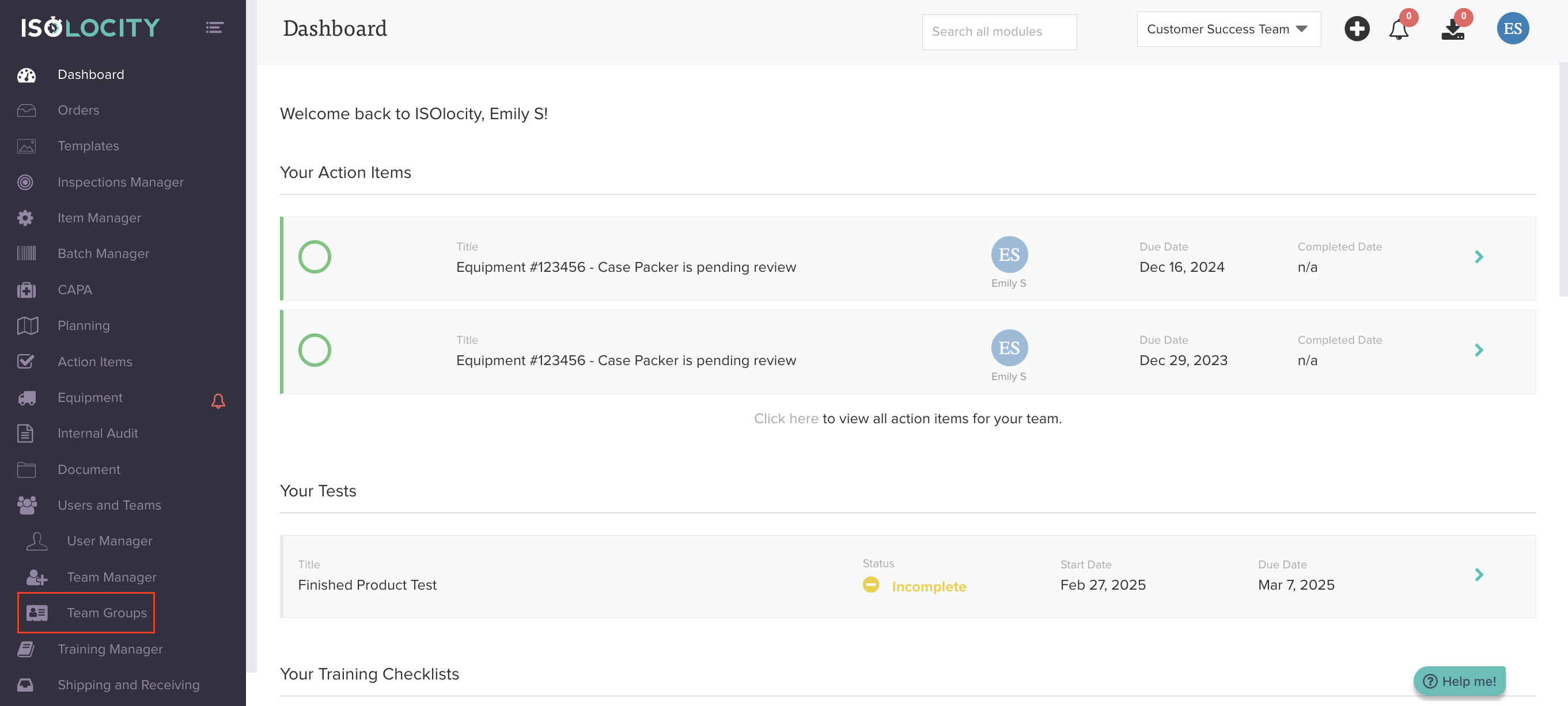
Step #2
Click to add a "Team Group". Team Groups let you combine multiple sites for analytics and reporting. For example, grouping all North American locations together allows you to see aggregate metrics across those sites.
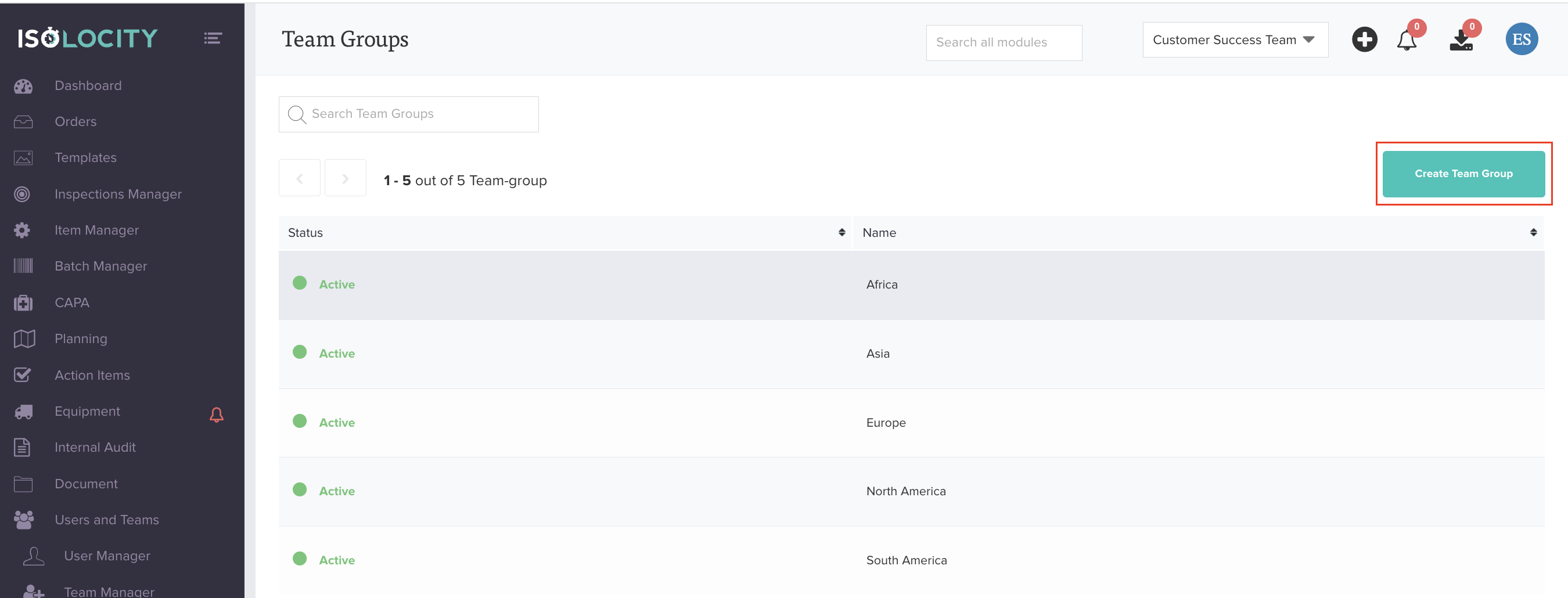
Step #3
Click "Create Team Group".
Step #4
Enter "Team Group Name".

Step #5
Select whether to activate team group or leave dormant.

Step #6
Click "Create Team Group".

Was this article helpful?
That’s Great!
Thank you for your feedback
Sorry! We couldn't be helpful
Thank you for your feedback
Feedback sent
We appreciate your effort and will try to fix the article