Click here to view the "Inventory / Batch Manager" video
Please Note: In the training video, this module may be referred to as “Inventory Manager,” which was its previous name. The content is still accurate, but depending on when you joined Isolocity, you may now see it labeled as “Batch Manager.”
Step #1
Click "Batch Manager".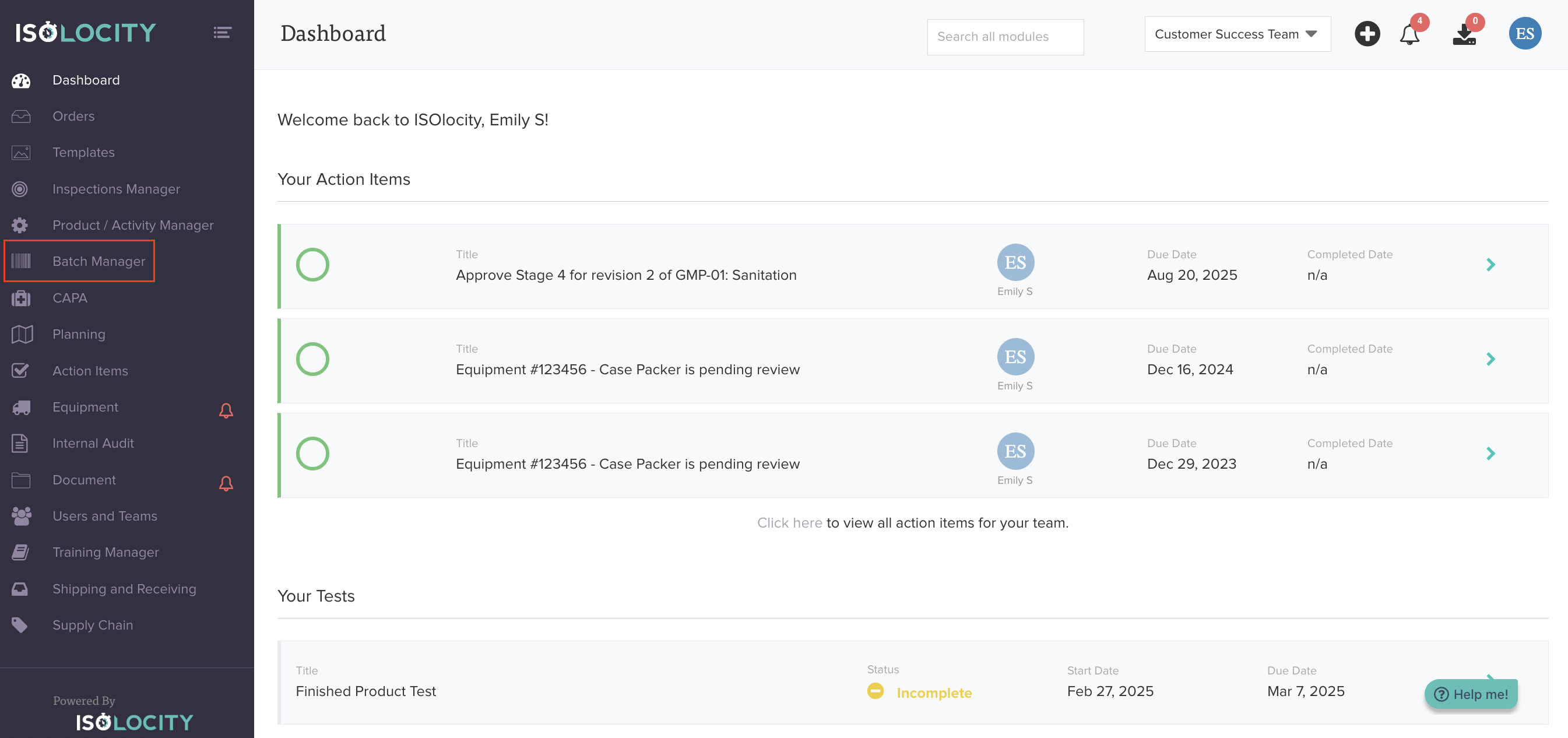
Step #2
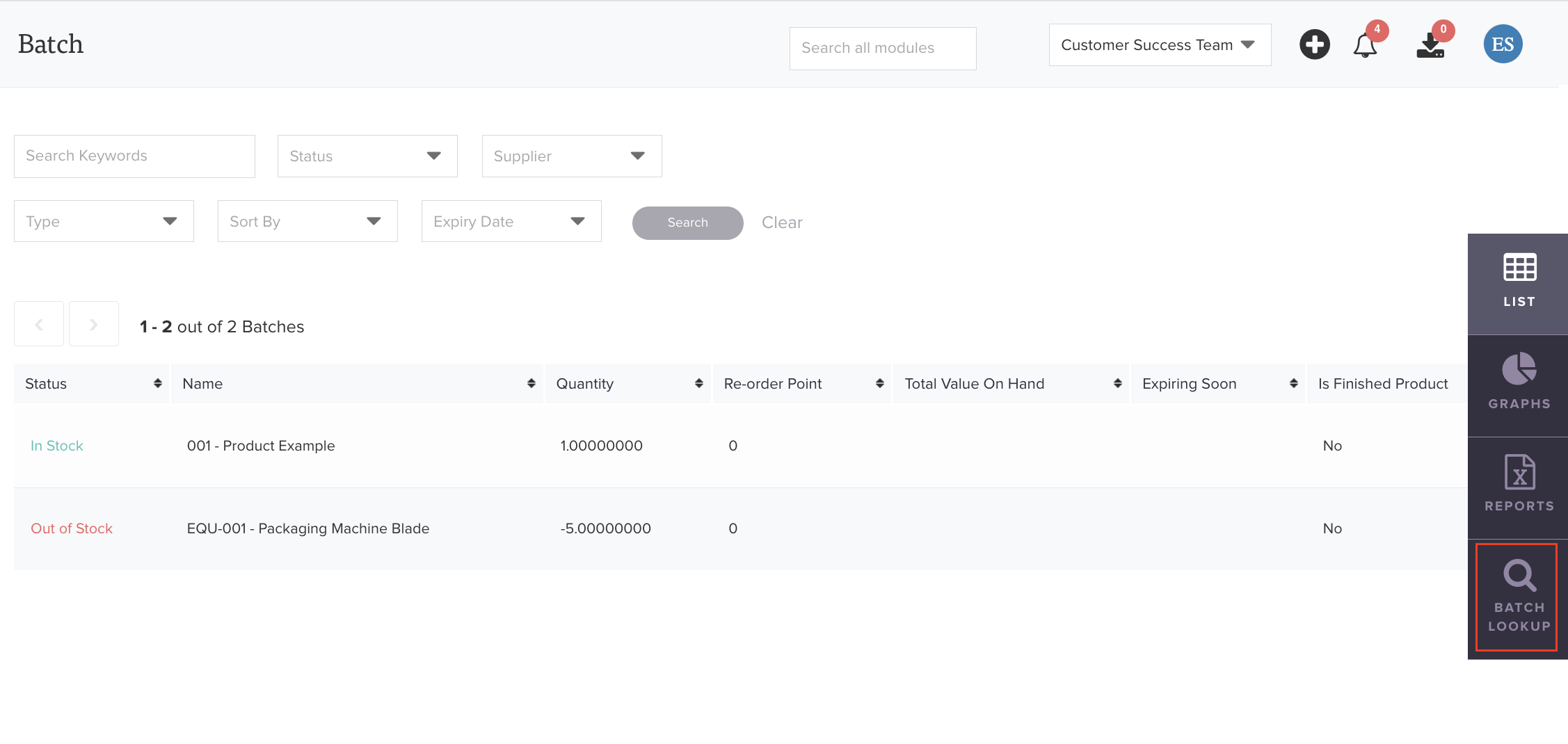
Click "Batch Lookup".
Step #3
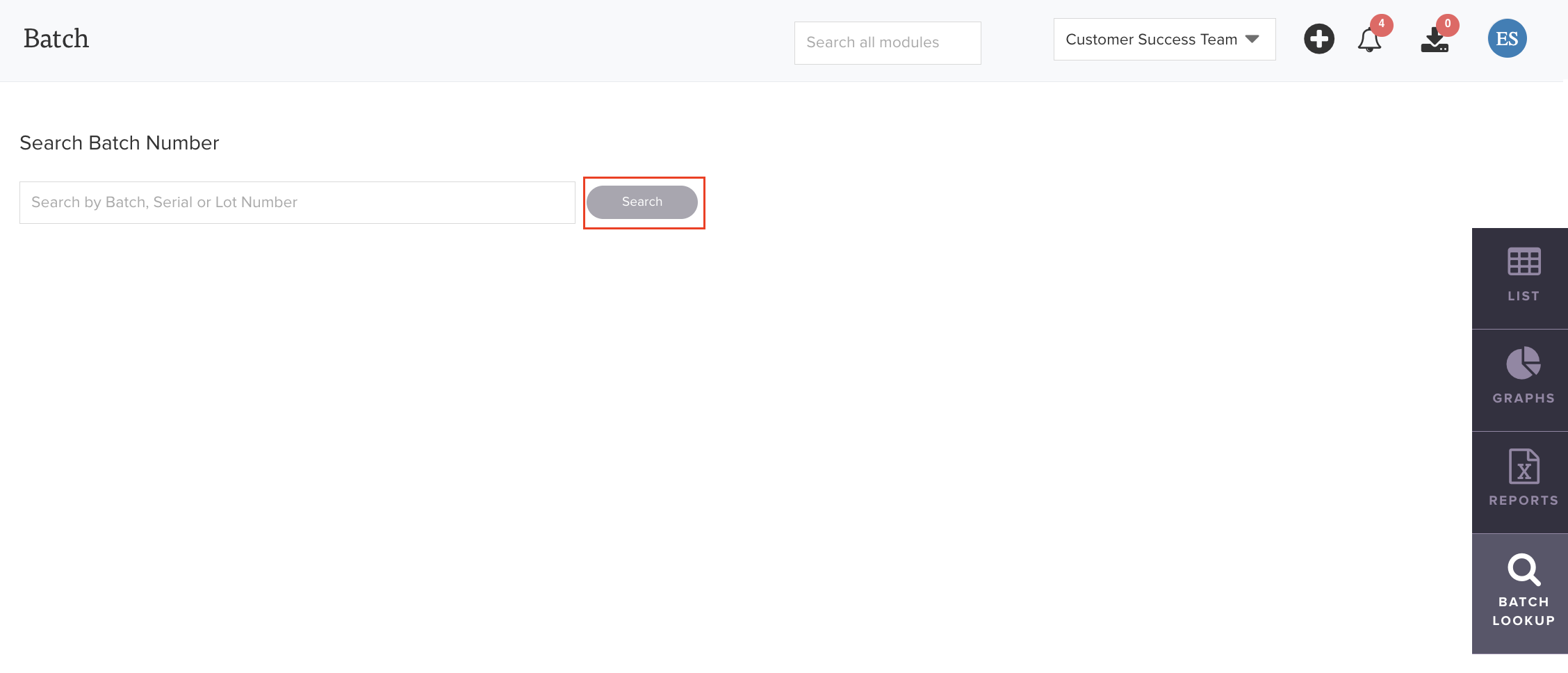
Enter the Batch, Serial or Lot Number.

Step #4
Click Search.
Step #5
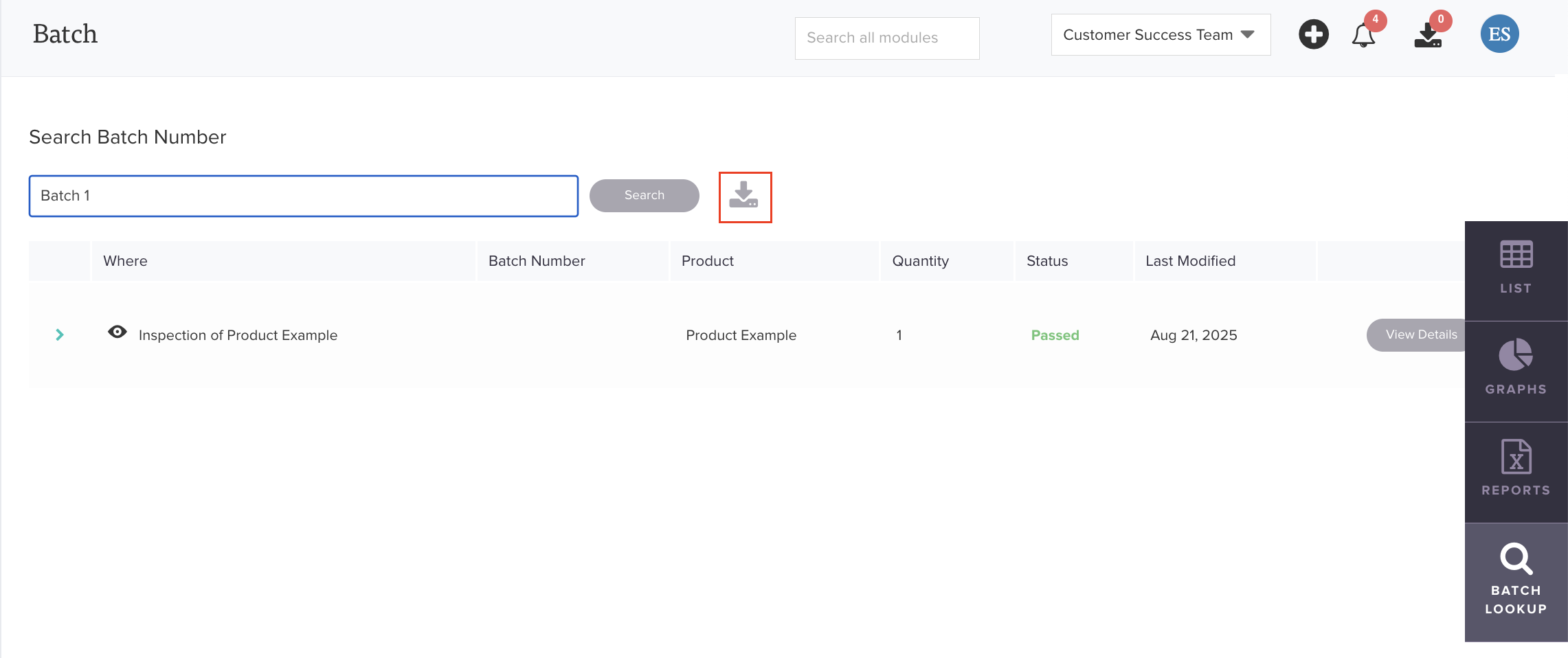
Click here to download the report.
Step #6
If your downloads are queued, click the download Icon.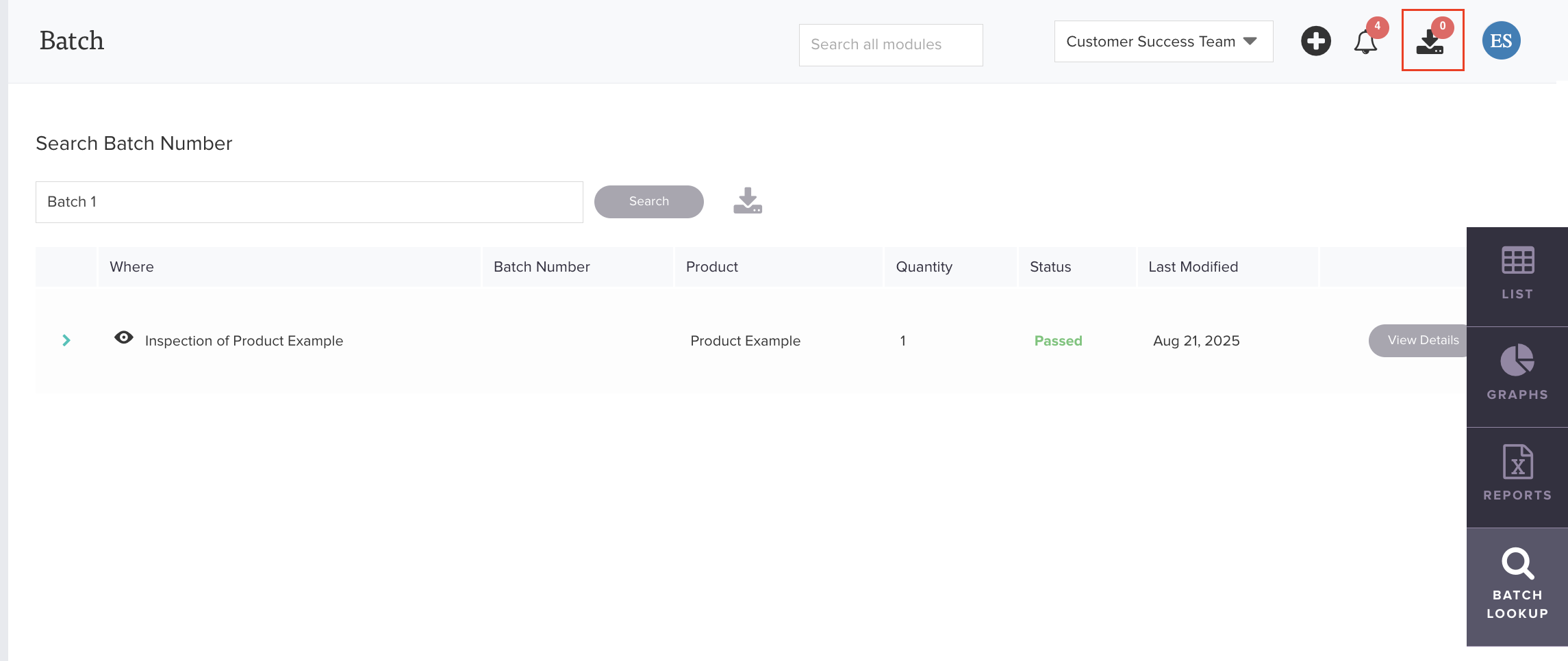
Step #7
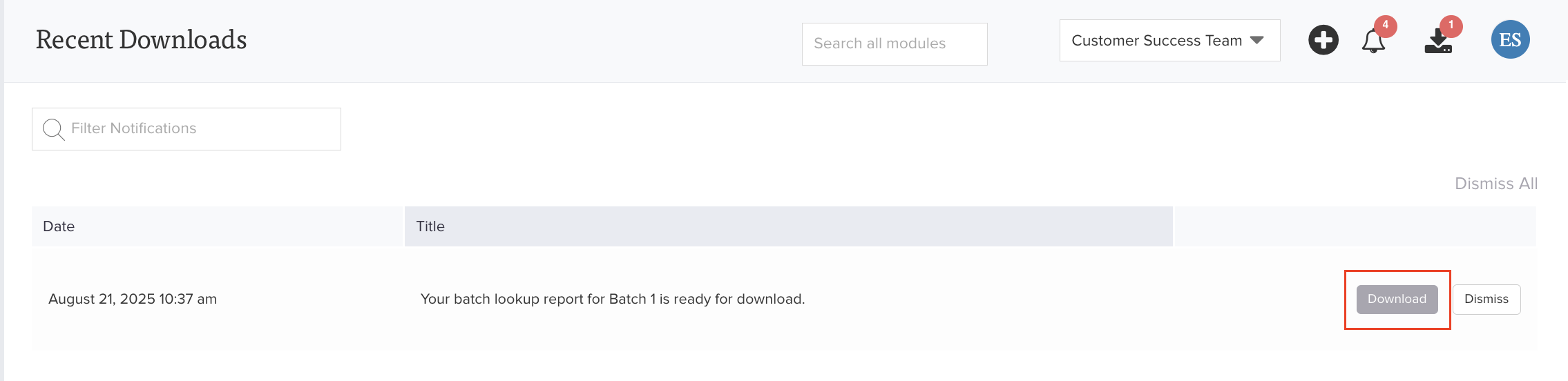
Click "Download".
Was this article helpful?
That’s Great!
Thank you for your feedback
Sorry! We couldn't be helpful
Thank you for your feedback
Feedback sent
We appreciate your effort and will try to fix the article