Isolocity sends reminders 30 days, 14 days and 5 days before an equipment or audit entry is due, and again on the due date. To receive them, the Equipment Frequency Entries Reminder notification must be turned on in your profile.
Reminder Schedule
Reminders are sent on a fixed schedule leading up to each due date. On the due date itself, an action item is also added to the user's dashboard.
When | Email reminder | Dashboard action item |
|---|---|---|
30 days before | Yes | No |
14 days before | Yes | No |
5 days before | Yes | No |
On the due date | Yes | Yes |
Turning on the Notification
These reminders are only sent if the Equipment Frequency Entries Reminder notification is active in your profile. This one setting covers both equipment and audit reminders.
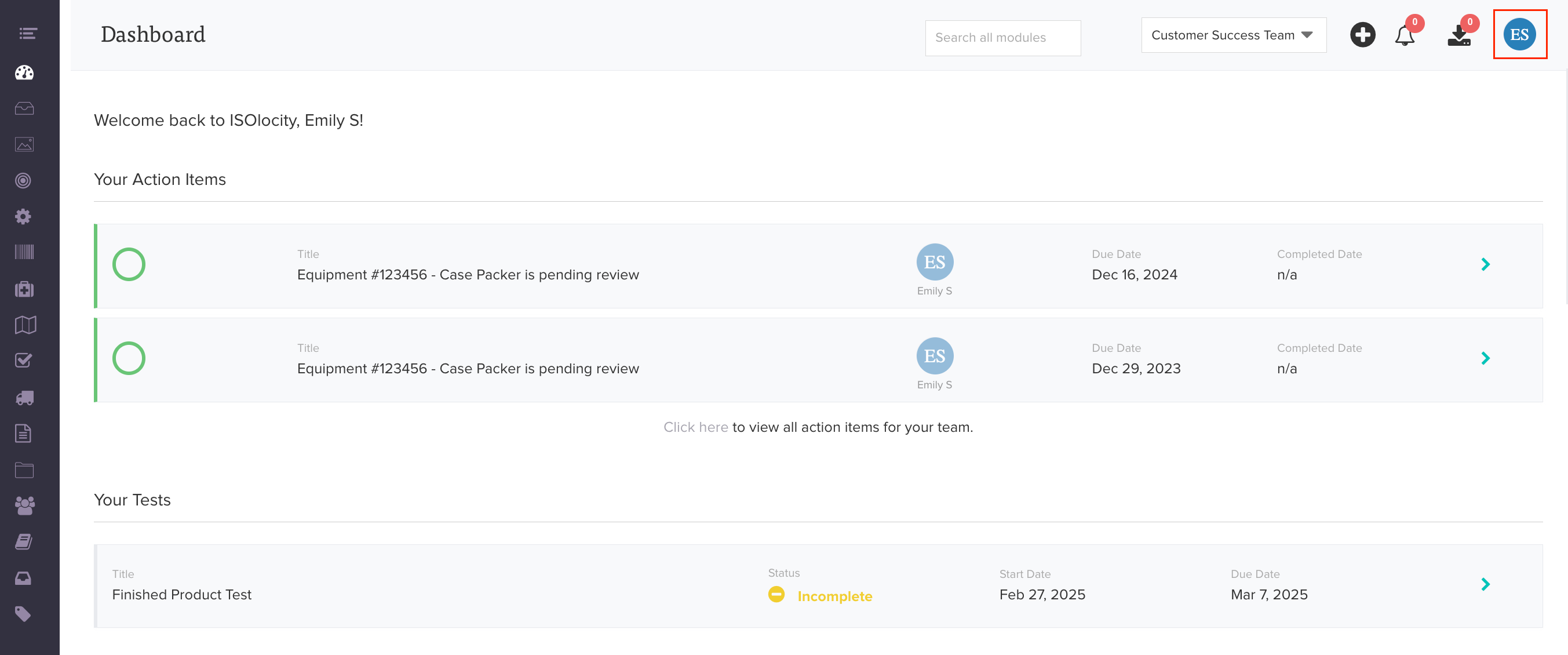
1. Click your profile picture or initials to open the quick-start menu.
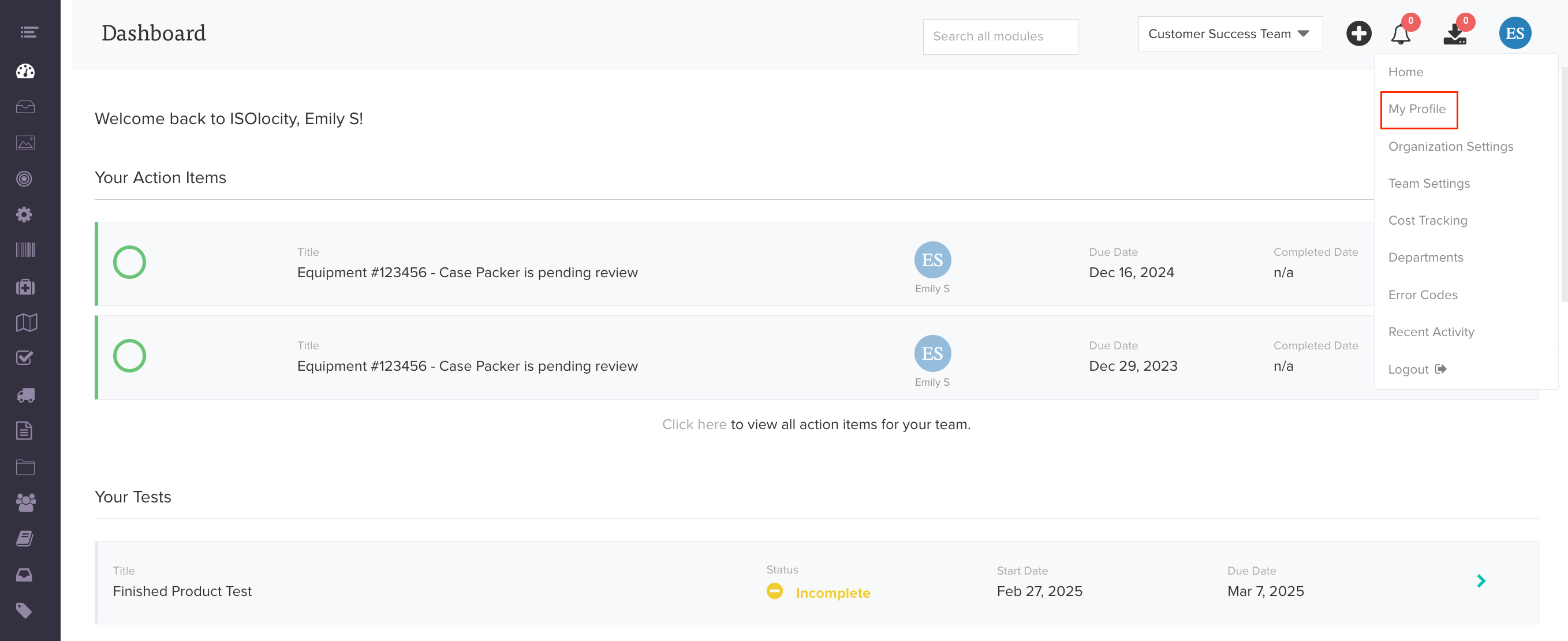
2. Open your profile and go to your notification settings.
3. Find Equipment Frequency Entries Reminder and make sure it is turned on.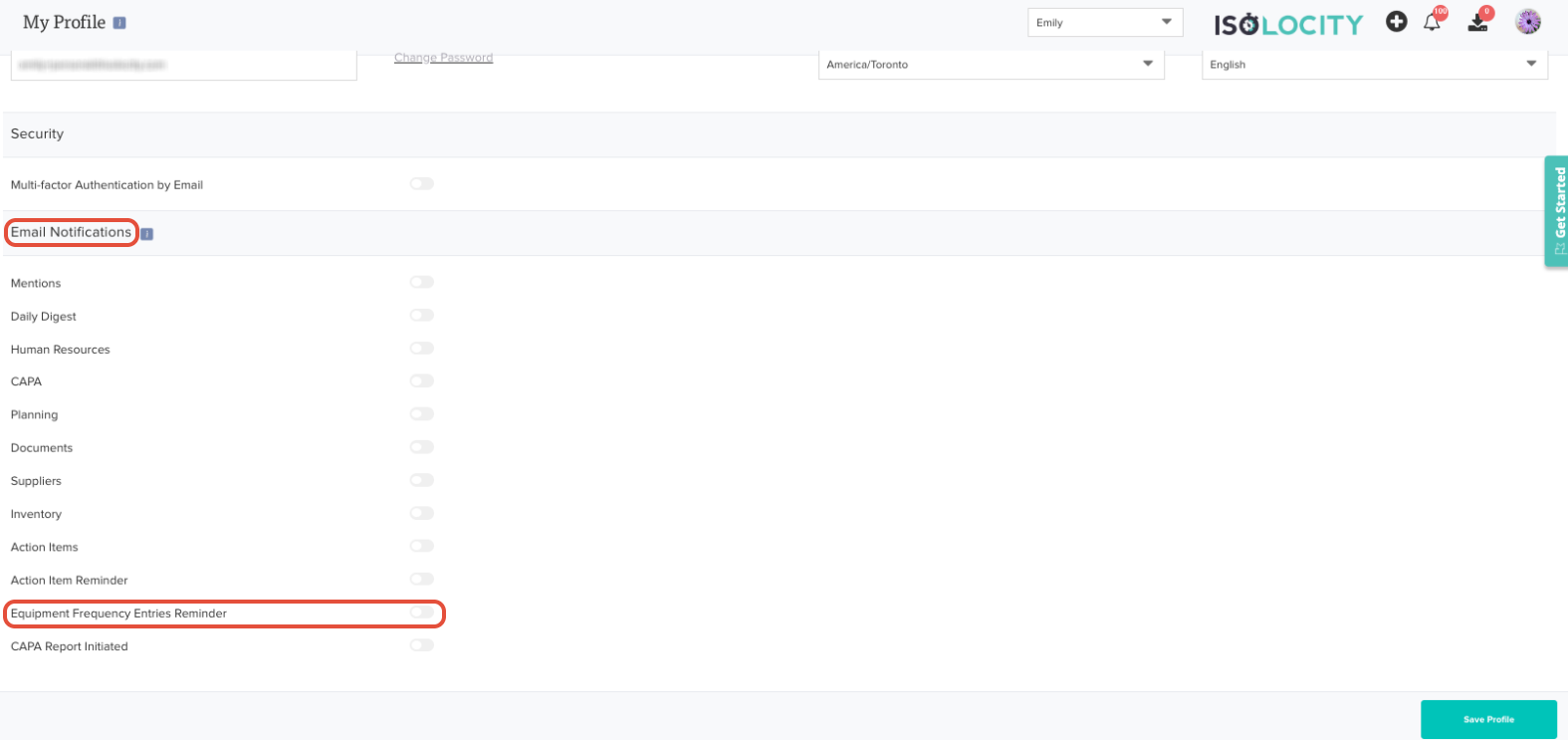
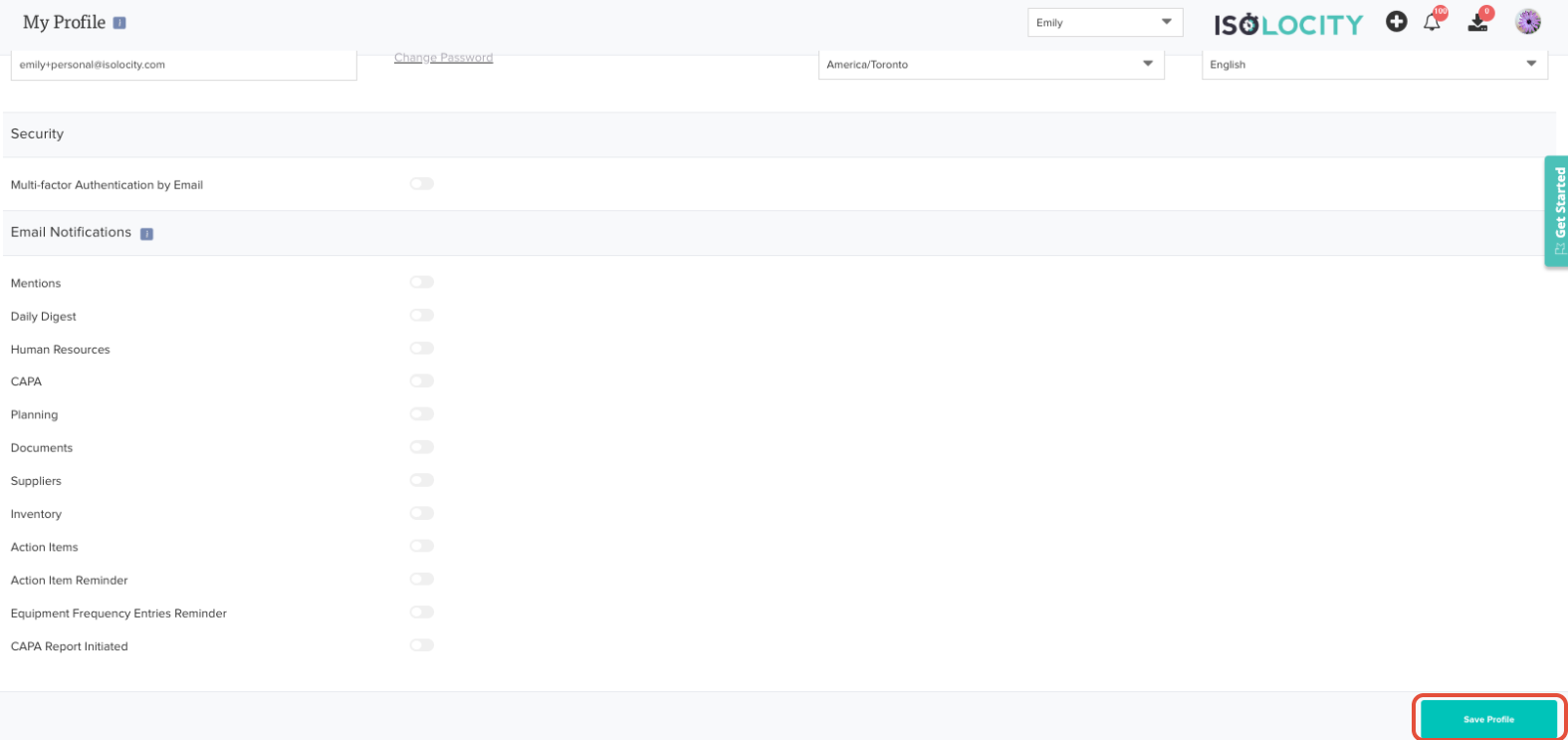
4. Save your changes.
For more on managing your notifications, see Email Notifications.
Was this article helpful?
That’s Great!
Thank you for your feedback
Sorry! We couldn't be helpful
Thank you for your feedback
Feedback sent
We appreciate your effort and will try to fix the article