Azure SSO
Isolocity is now integrated with Azure for Single-Sign On. Azure AD is designed to manage access to cloud-based applications and servers using modern authentication protocols.
By activating the Azure SSO, you will be able to login to Isolocity using your Microsoft account.
Using Azure SSO
Ensure that your Isolocity Username (email) and Microsoft AD Email match. If the email addresses do not match then Microsoft will not send an Authorization Token and the login will not be successful.
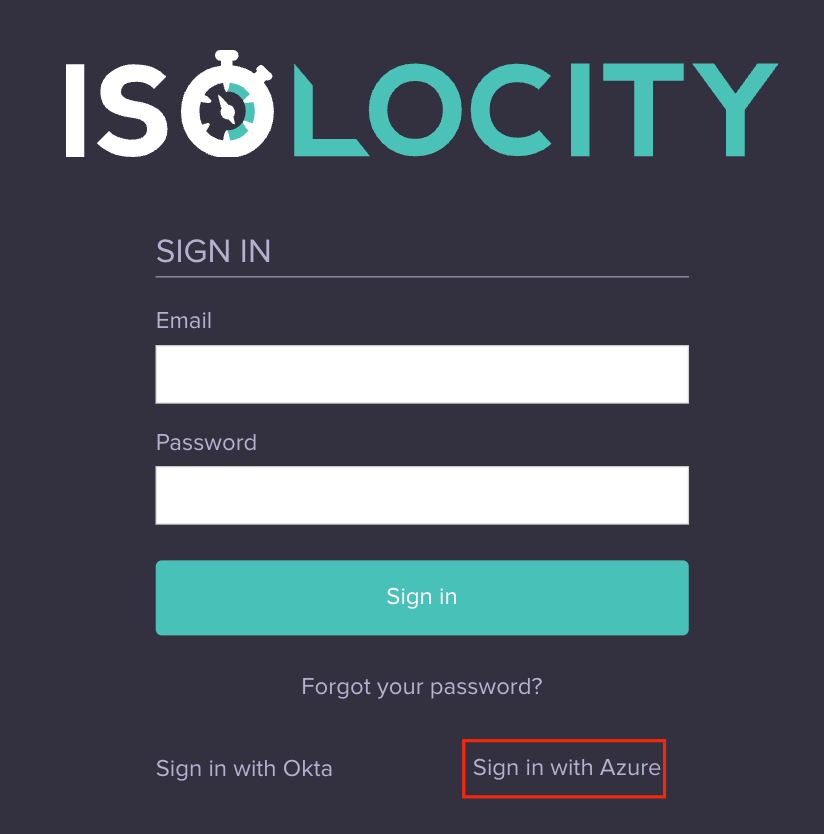
Open app.isolocity.com
Click “Sign in with Azure”
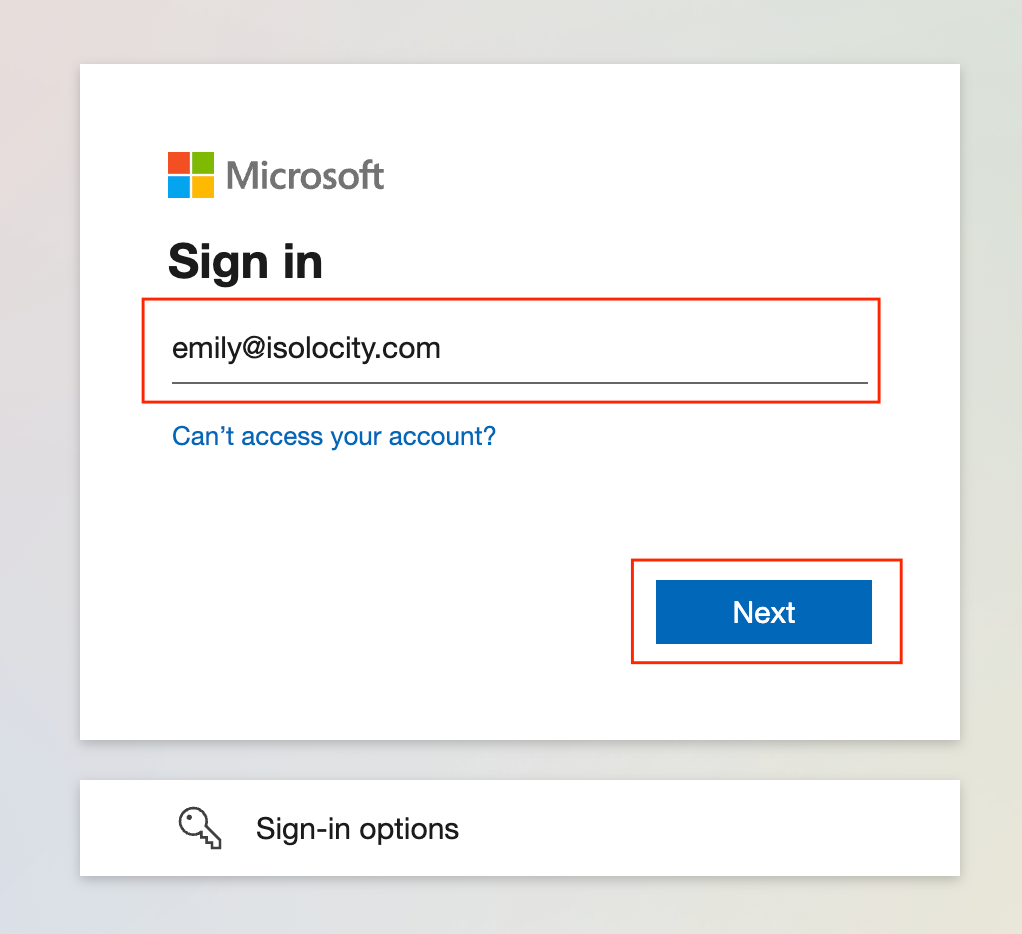
Sign in with your Microsoft Account
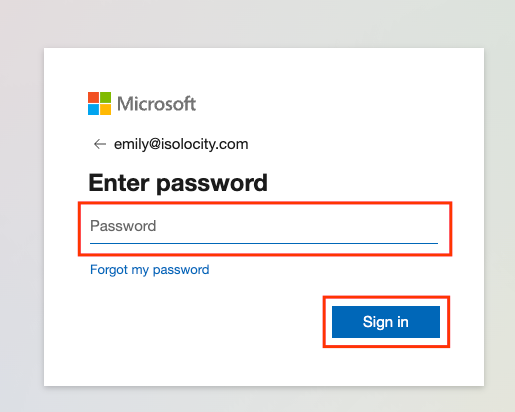
Enter your Password
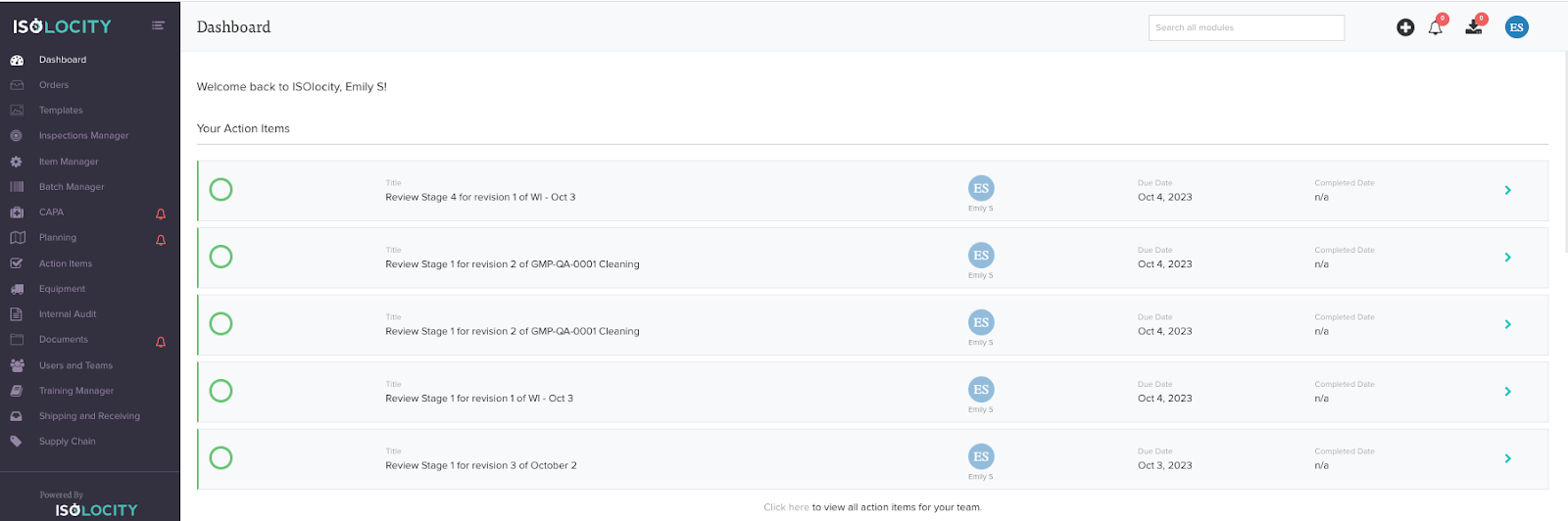
Successfully Sign in to Isolocity
Was this article helpful?
That’s Great!
Thank you for your feedback
Sorry! We couldn't be helpful
Thank you for your feedback
Feedback sent
We appreciate your effort and will try to fix the article