Click here to view the "Equipment Manager" video
Step #1
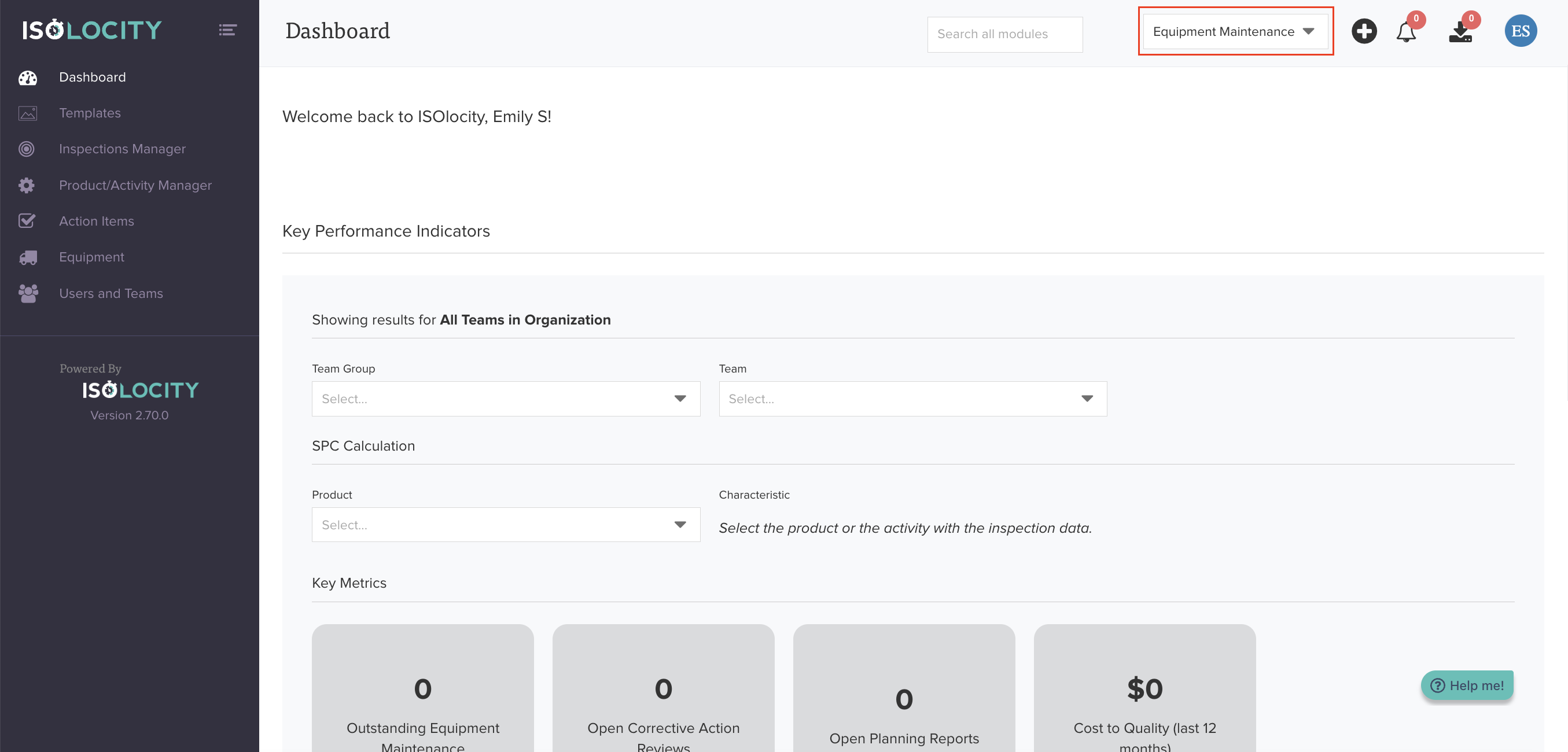
Navigate to the "Equipment Maintenance" Team.
Step #2
Click here to access "Equipment".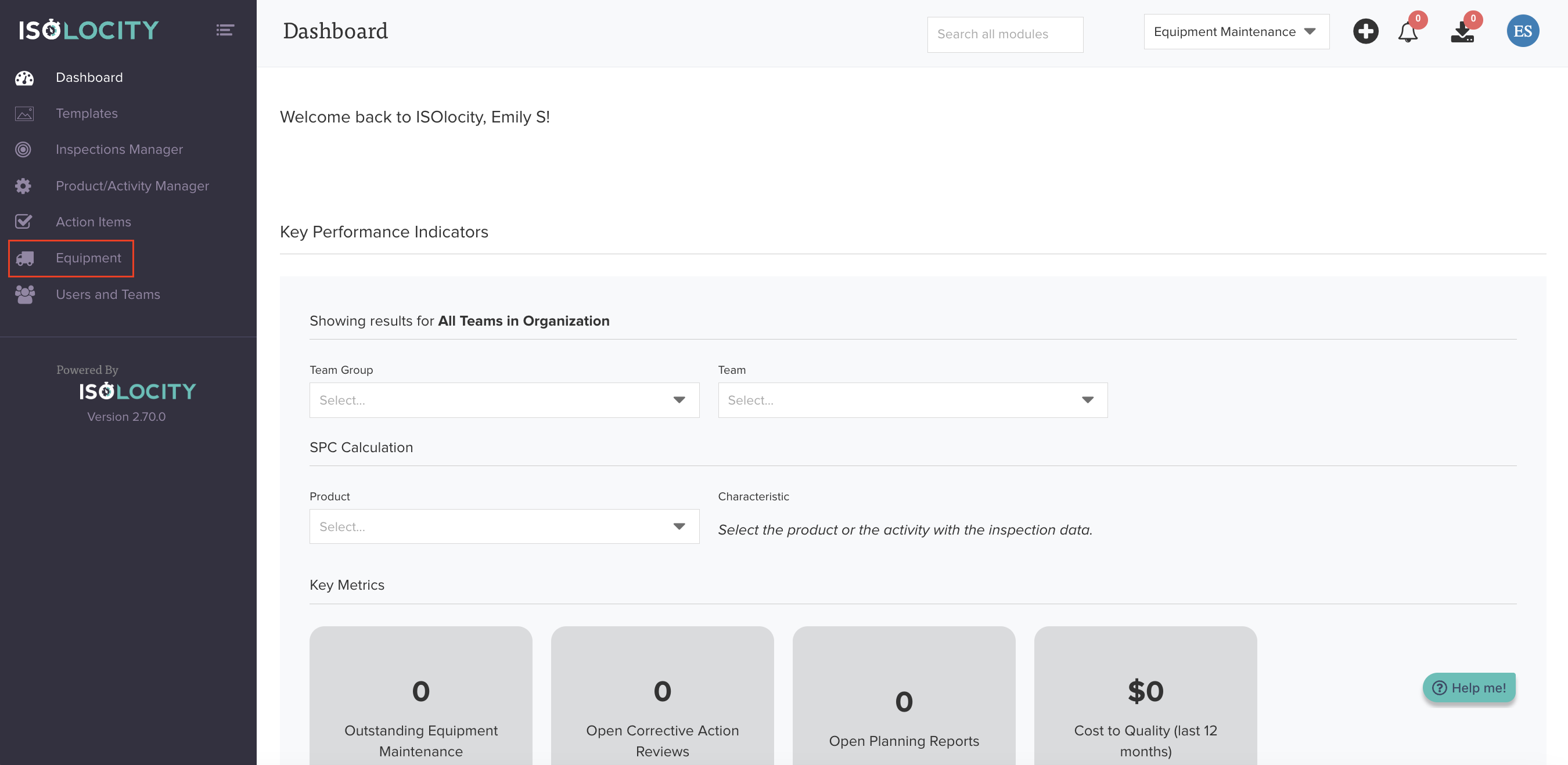
Step #3
Click "Equipment Manager".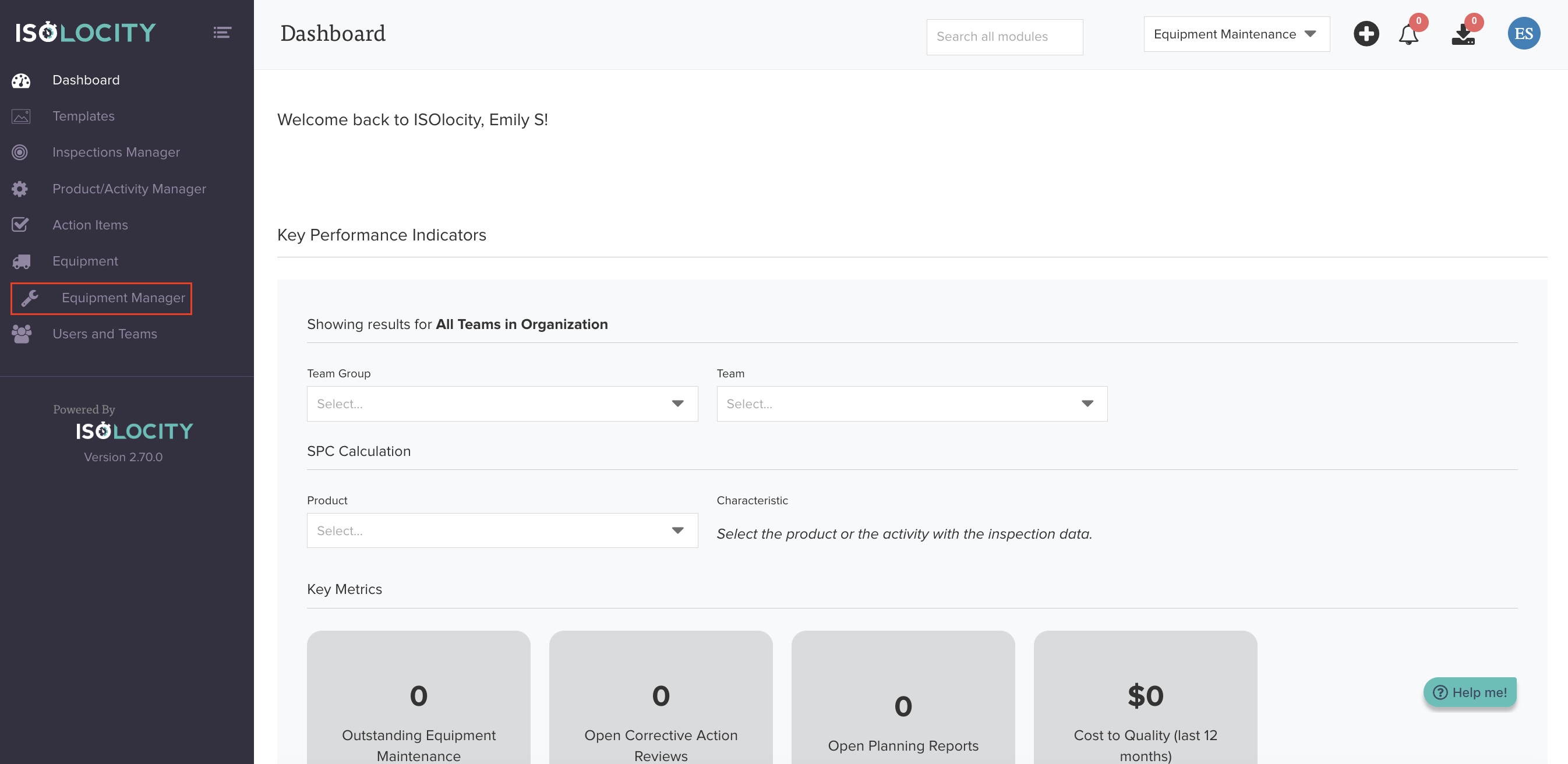
Step #4
Click "Manage Equipment Types".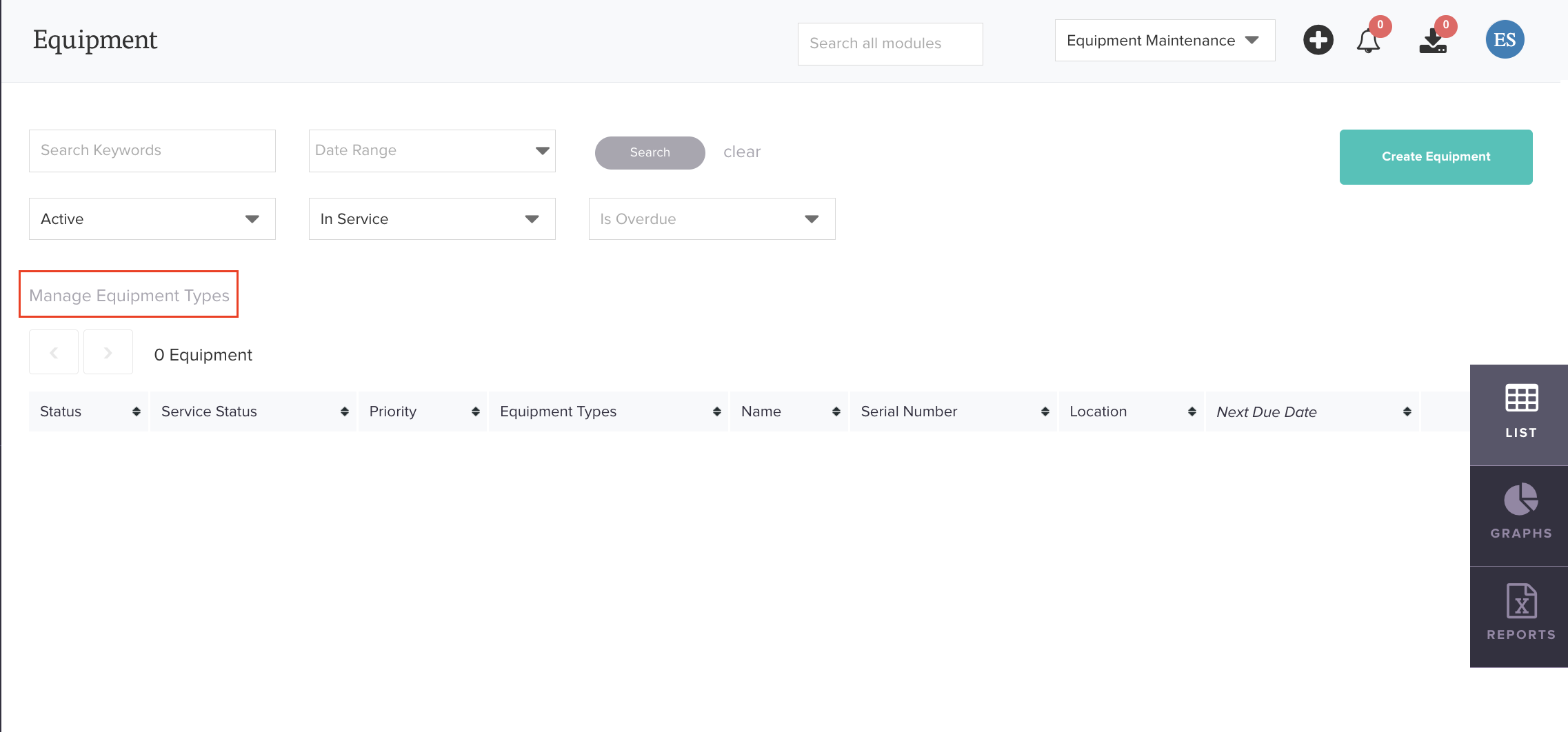
Step #5
Click "Create Equipment Type".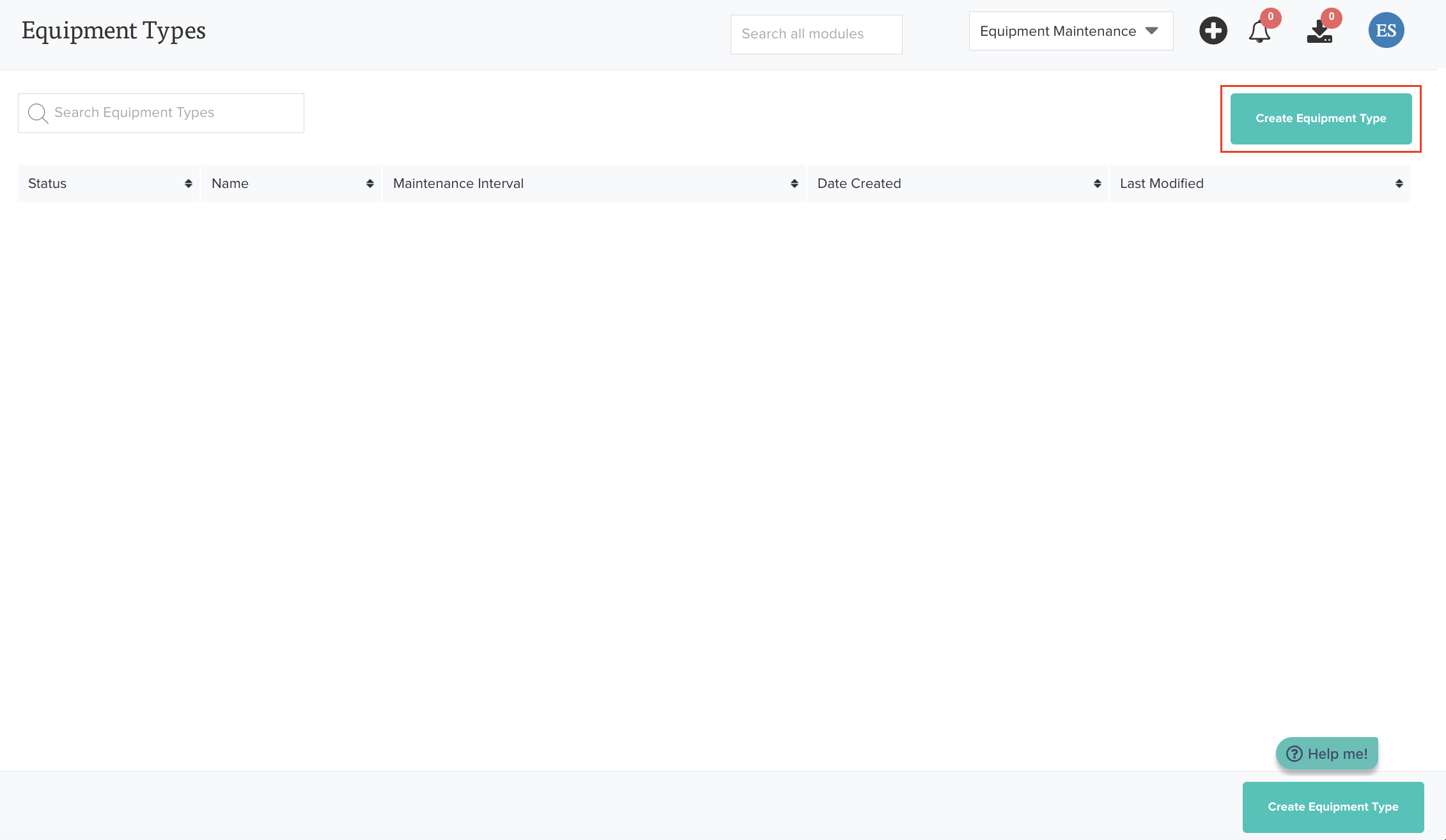
Step #6
Enter the name of the new Equipment Type. An Equipment Type is a broad category used to classify your equipment. It helps organize and group similar equipment for reporting, tracking, and operational purposes.
Example: Laboratory Instruments, Production Machinery, IT Equipment, Medical Devices, Maintenance Tools, or Safety & Support Equipment.
Please do not complete the "Reports" section. This is a legacy feature. Instead, maintenance schedules will be set in the equipment itself.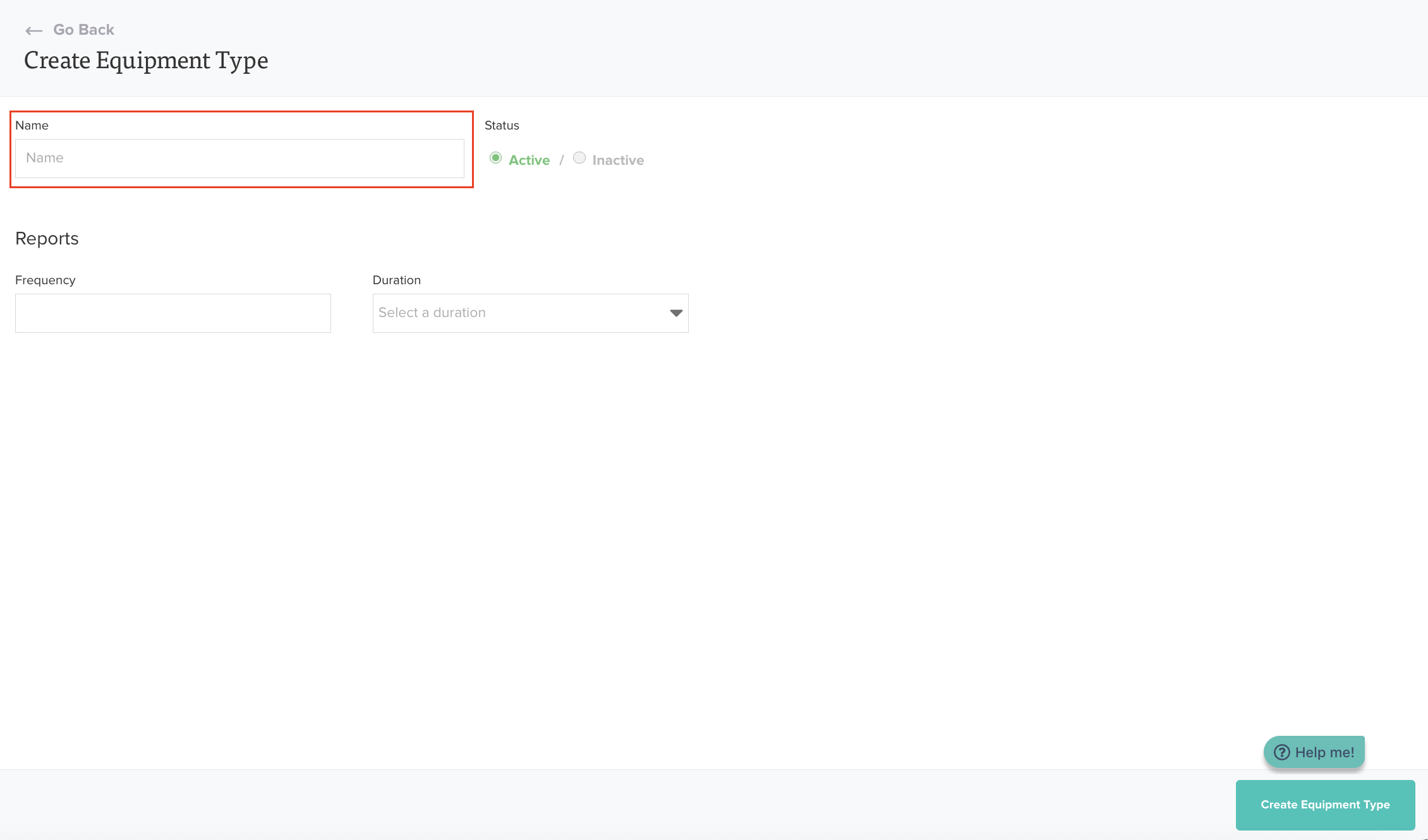
Step #7
Click "Create Equipment Type".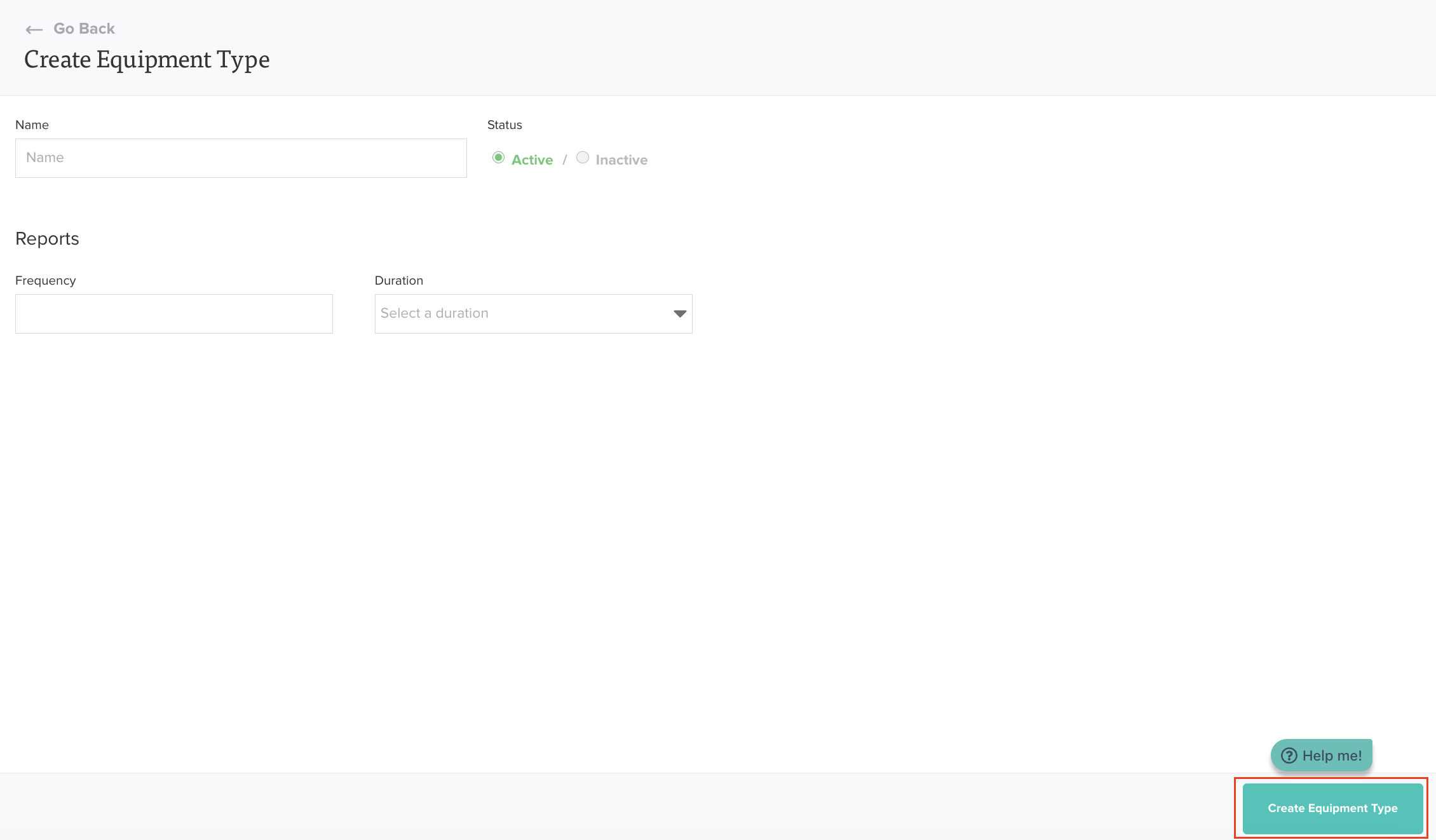
Was this article helpful?
That’s Great!
Thank you for your feedback
Sorry! We couldn't be helpful
Thank you for your feedback
Feedback sent
We appreciate your effort and will try to fix the article