Click here to view the "Team Manager" video
Step #1
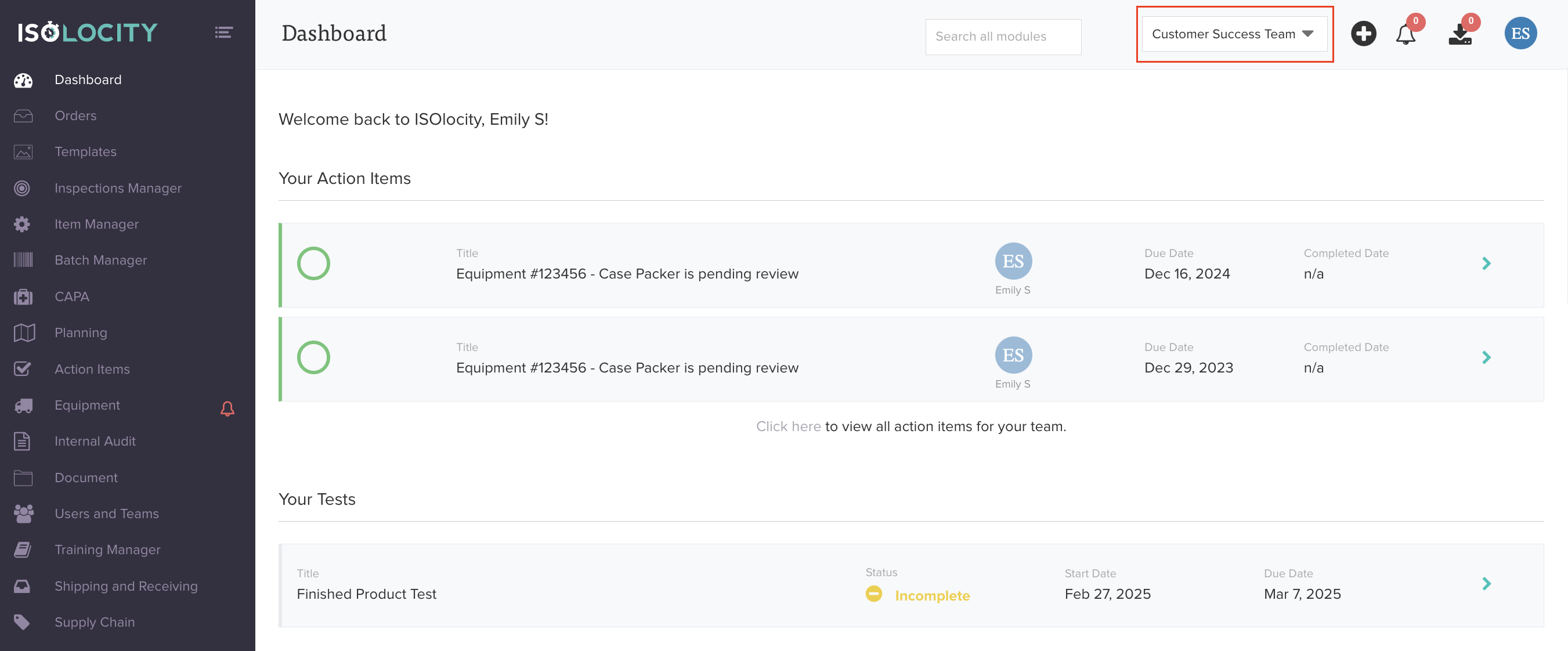
Locate the dropdown menu on the top right of your screen.
Don’t see the drop-down? That’s because it only shows up if you’re part of multiple teams.
Step #2
This allows you to view which database/team you are currently in.
Step #3
To switch teams, click on the drop down and select another option from the list.
Was this article helpful?
That’s Great!
Thank you for your feedback
Sorry! We couldn't be helpful
Thank you for your feedback
Feedback sent
We appreciate your effort and will try to fix the article