Click here to view the "Equipment Manager" video
This article assumes that equipment types and templates have already been created in the system. If these items have not yet been set up, please complete those configurations first, as they are required for the steps outlined in this article.
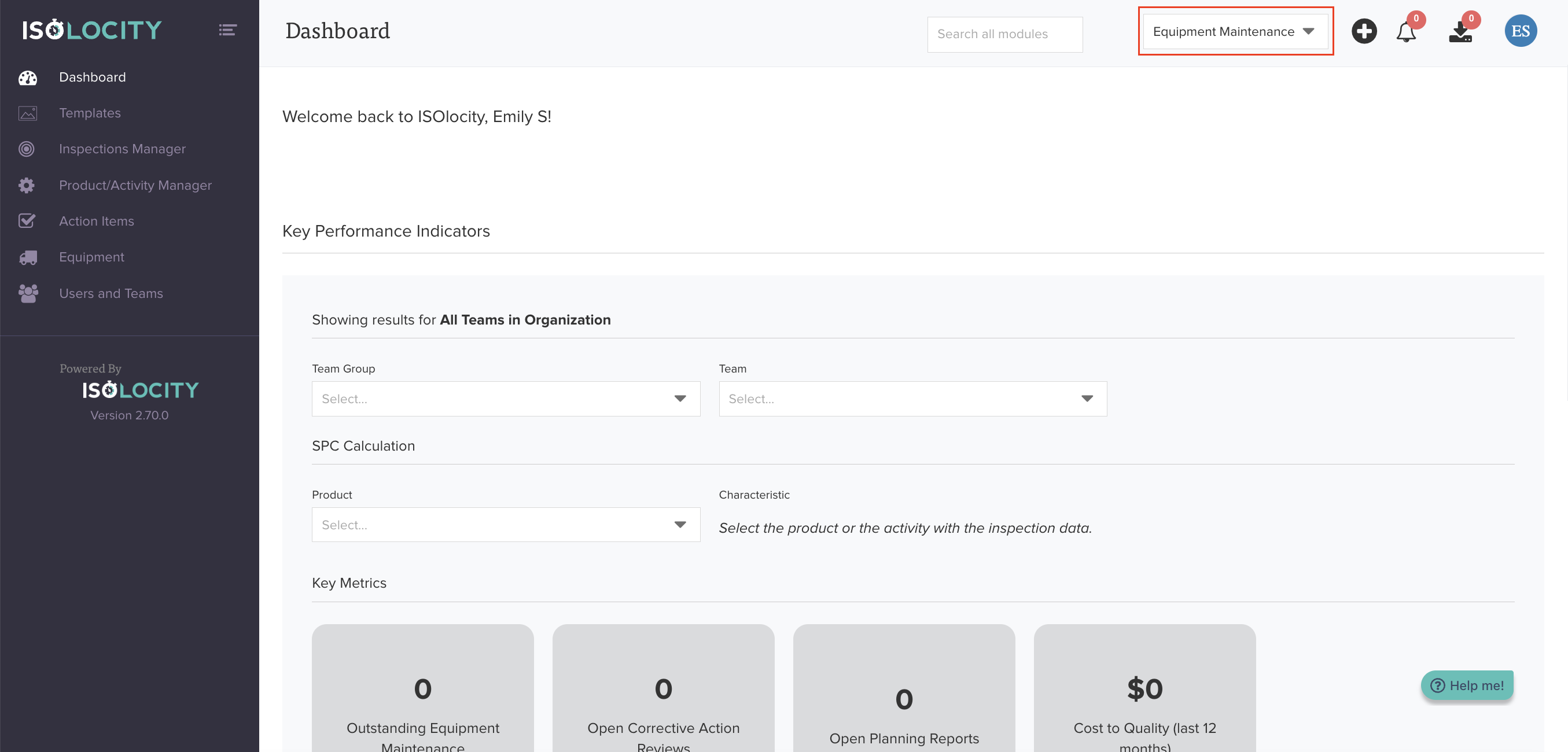
Step #1
Navigate to the "Equipment Maintenance" Team.
Step #2
Click here to access "Equipment".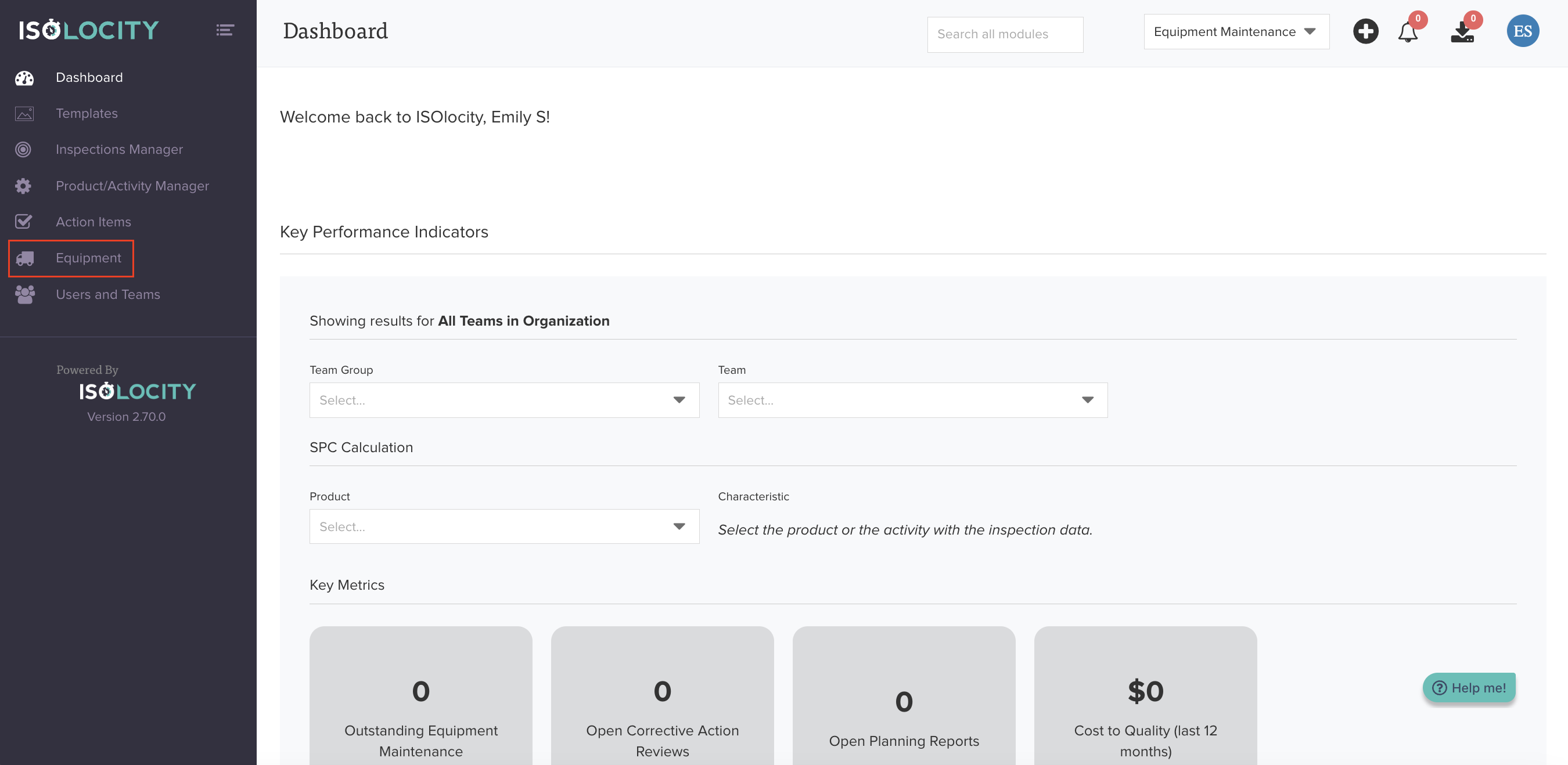
Step #3
Click "Equipment Manager".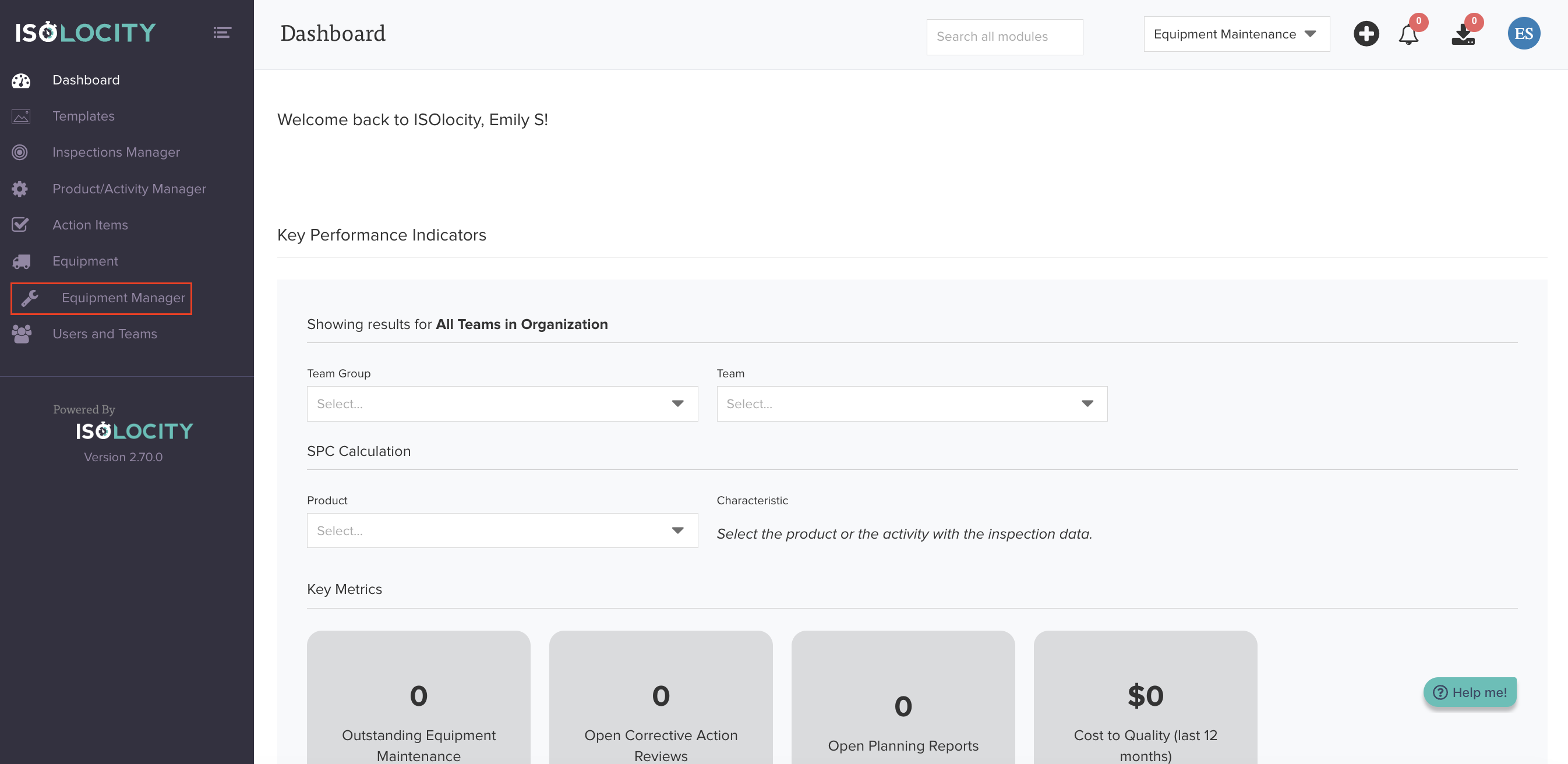
Step #4
Click "Create Equipment".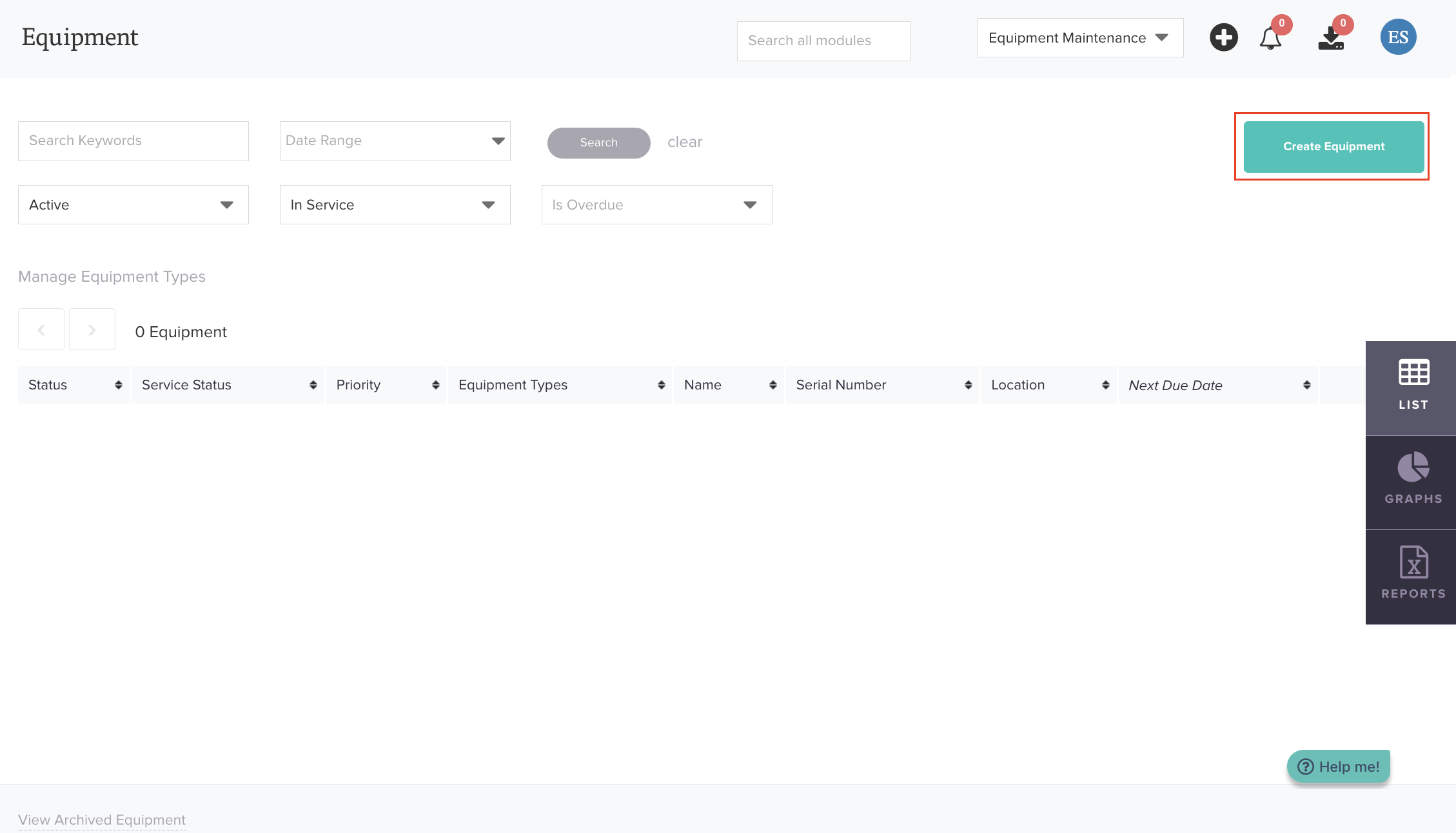
Step #5
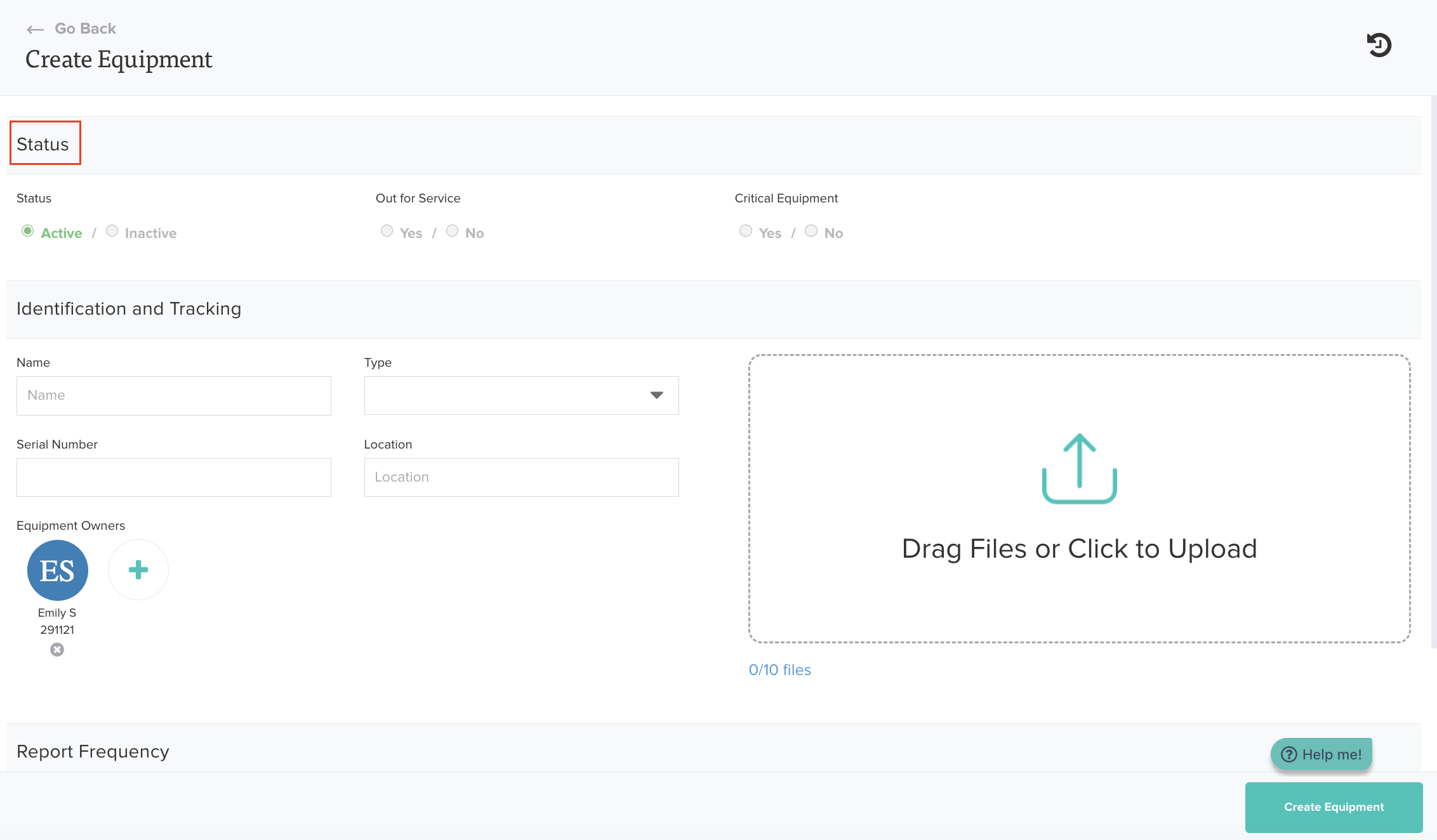
Complete the "Status" section by completing the following fields:
- Out for Service
- Critical Equipment
Step #6
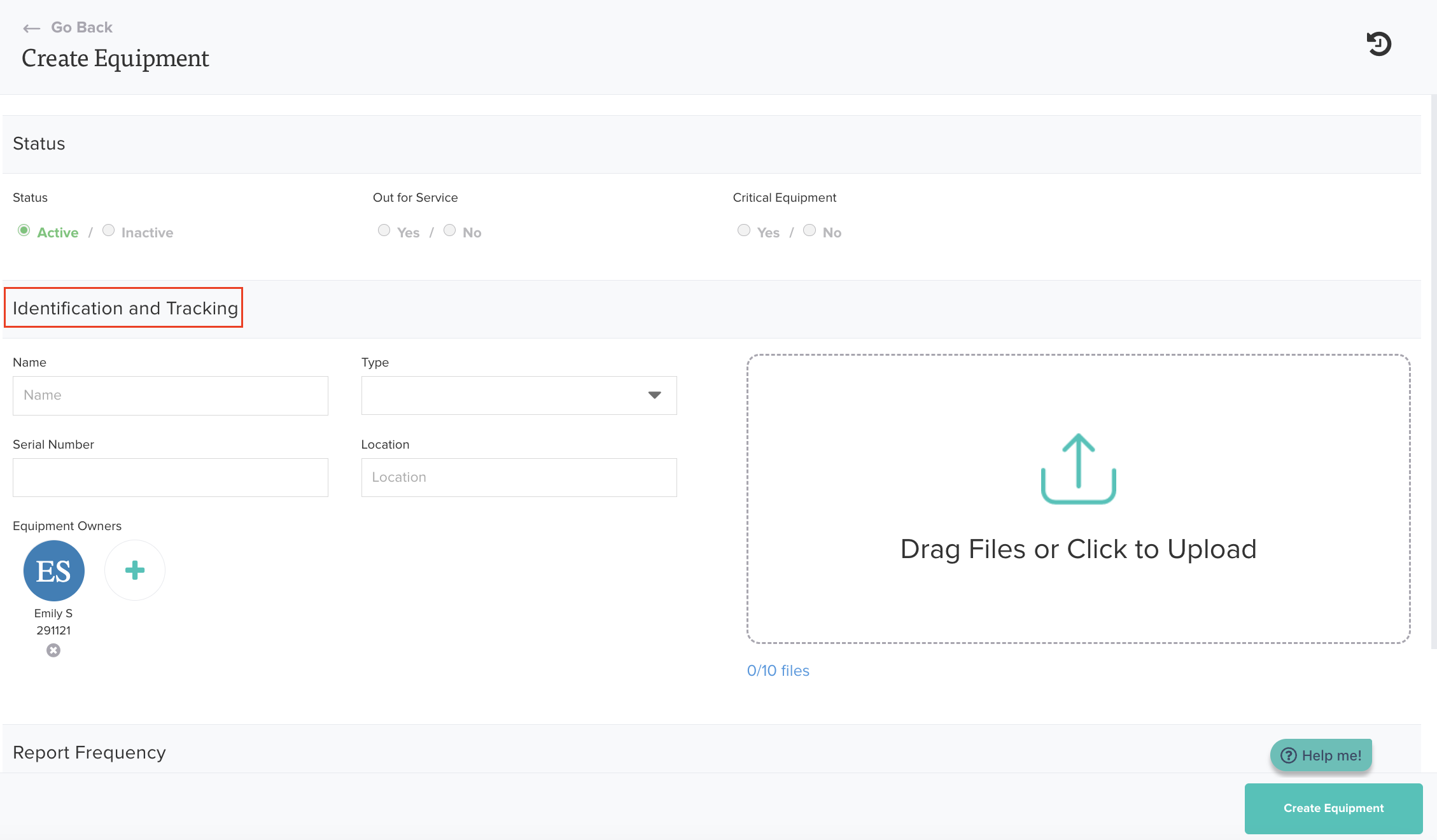
Complete the "Identification and Tracking" section by completing the following fields:
- Name
- Type
- Serial Number
- Location
- Equipment Owners
Step #7
Click "Create Equipment".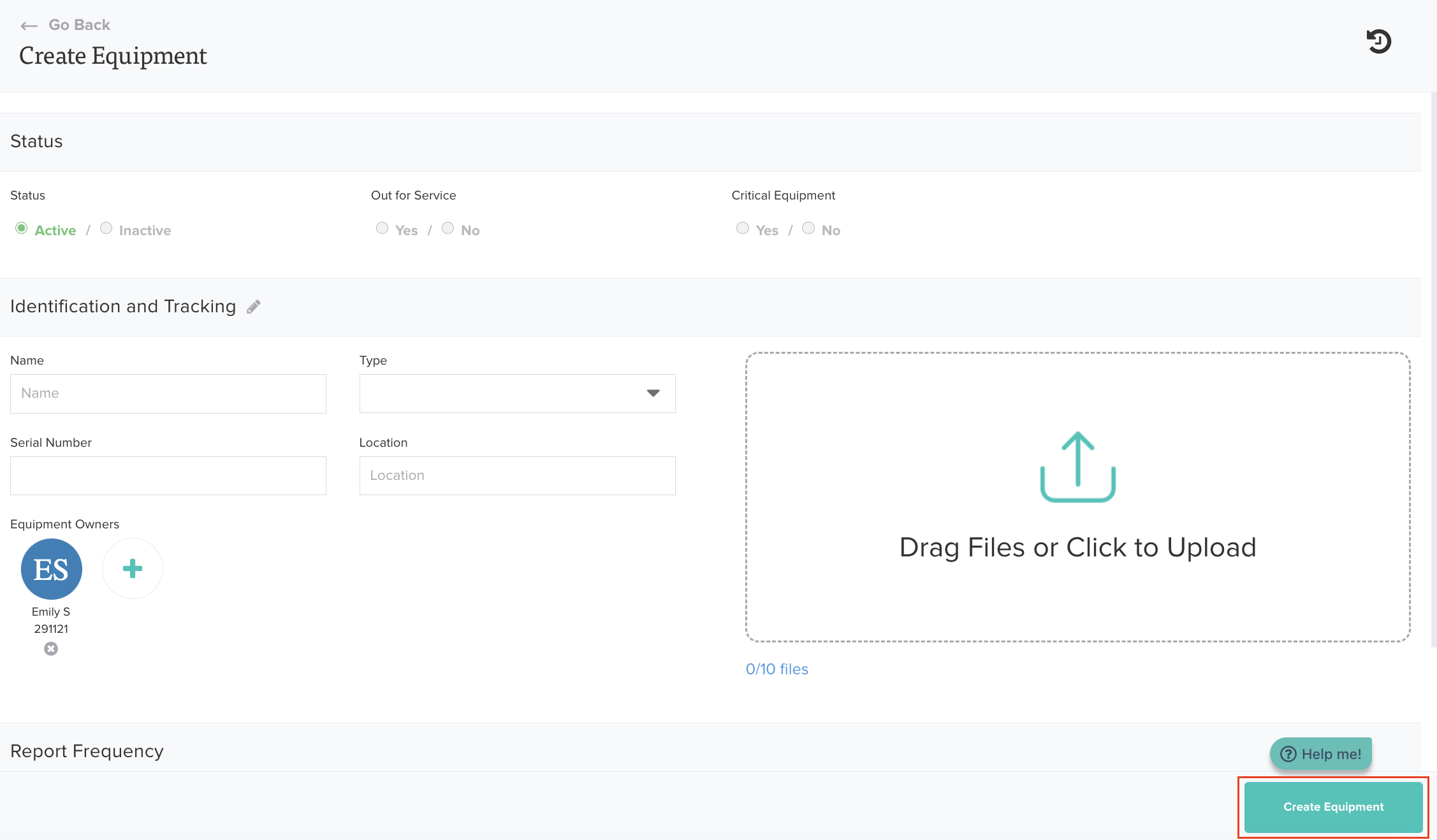
Step #8
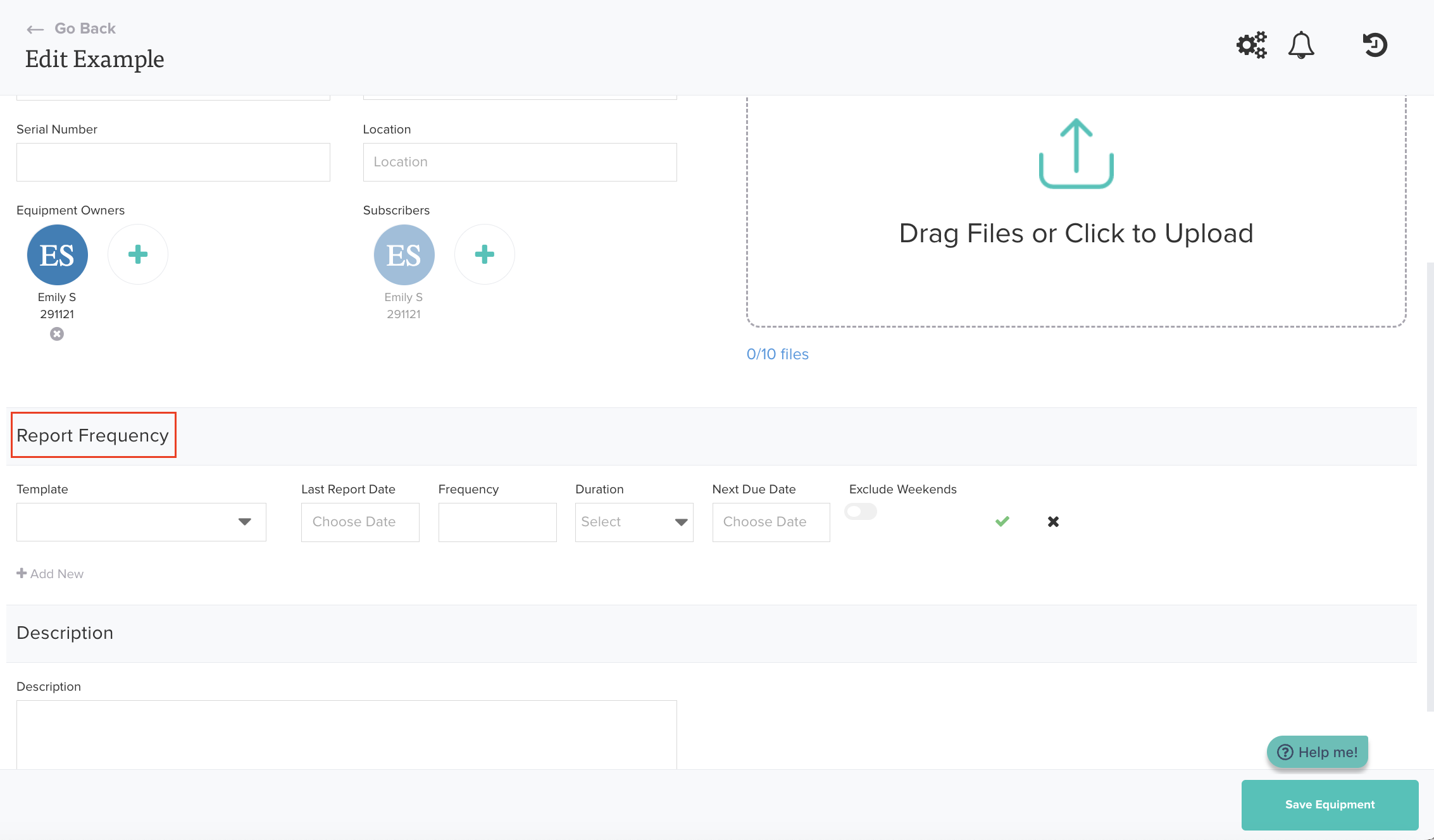
Complete the "Report Frequency" section by completing the following fields:
- Template
- Last Report Date
- Frequency
- Duration
Step #9
Add a "Description".
Step #10
Add any spare parts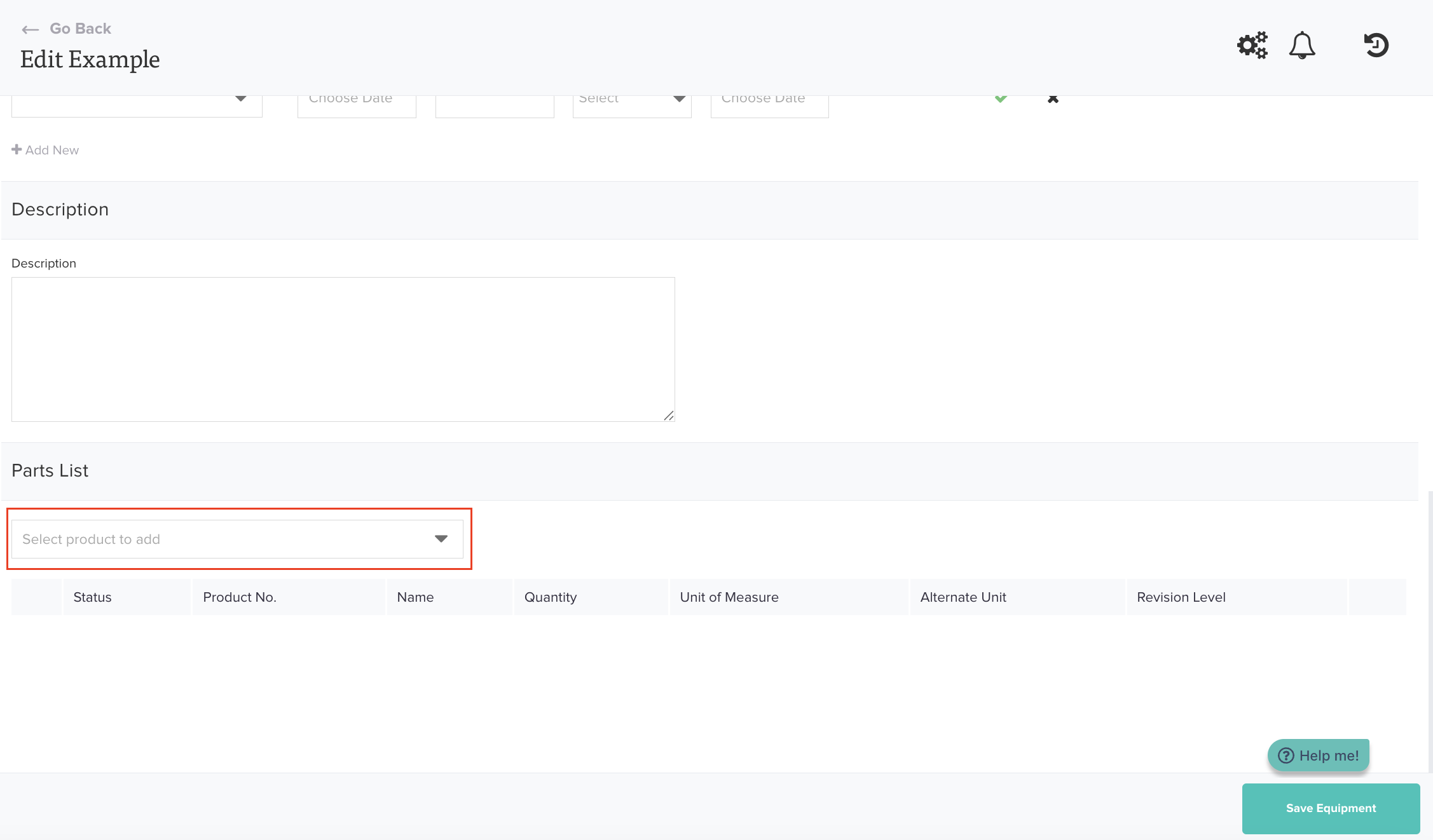
Was this article helpful?
That’s Great!
Thank you for your feedback
Sorry! We couldn't be helpful
Thank you for your feedback
Feedback sent
We appreciate your effort and will try to fix the article